
7 Sources for Fun Games on Steam to Play With Friends in 2026
Finding great multiplayer games is easy, but coordinating buys, checking player counts, and snagging deals for your entire friend group is the real challenge. This guide simplifies that process. Instead of just listing games, we'll first explore the essential platforms and tools that transform how you discover and acquire fun games on Steam to play with friends. We move beyond the storefront to reveal powerful deal trackers and community hubs that make your group's next gaming session a seamless experience.
You'll learn how to leverage these resources to check for active communities, find titles matching your group's specific needs, and save money so you can play more together. A truly unforgettable co-op session is built on more than just gameplay; it’s about the full experience. To truly find your next group obsession, consider what goes into a compelling gaming experience. Explore how crucial elements like audio contribute by reading about Mastering Sound in Game: Enhance Player Immersion.
We will also cover a key strategy for understanding your group's collective library, ensuring you never buy a game that half your friends already own. Each platform we feature includes direct links and practical tips, designed to help you spend less time organizing and more time playing.
1. Steam Store
The best place to start your search for fun games on Steam to play with friends is, unsurprisingly, Steam itself. Valve's digital storefront is more than just a marketplace; it's a powerful discovery engine packed with tools designed to help you find the perfect multiplayer experience. Its robust filtering system lets you narrow down the massive library using specific tags like "Online Co-Op," "Local Co-Op," "Multiplayer," and "Cross-Platform Multiplayer" to match your group's needs precisely.
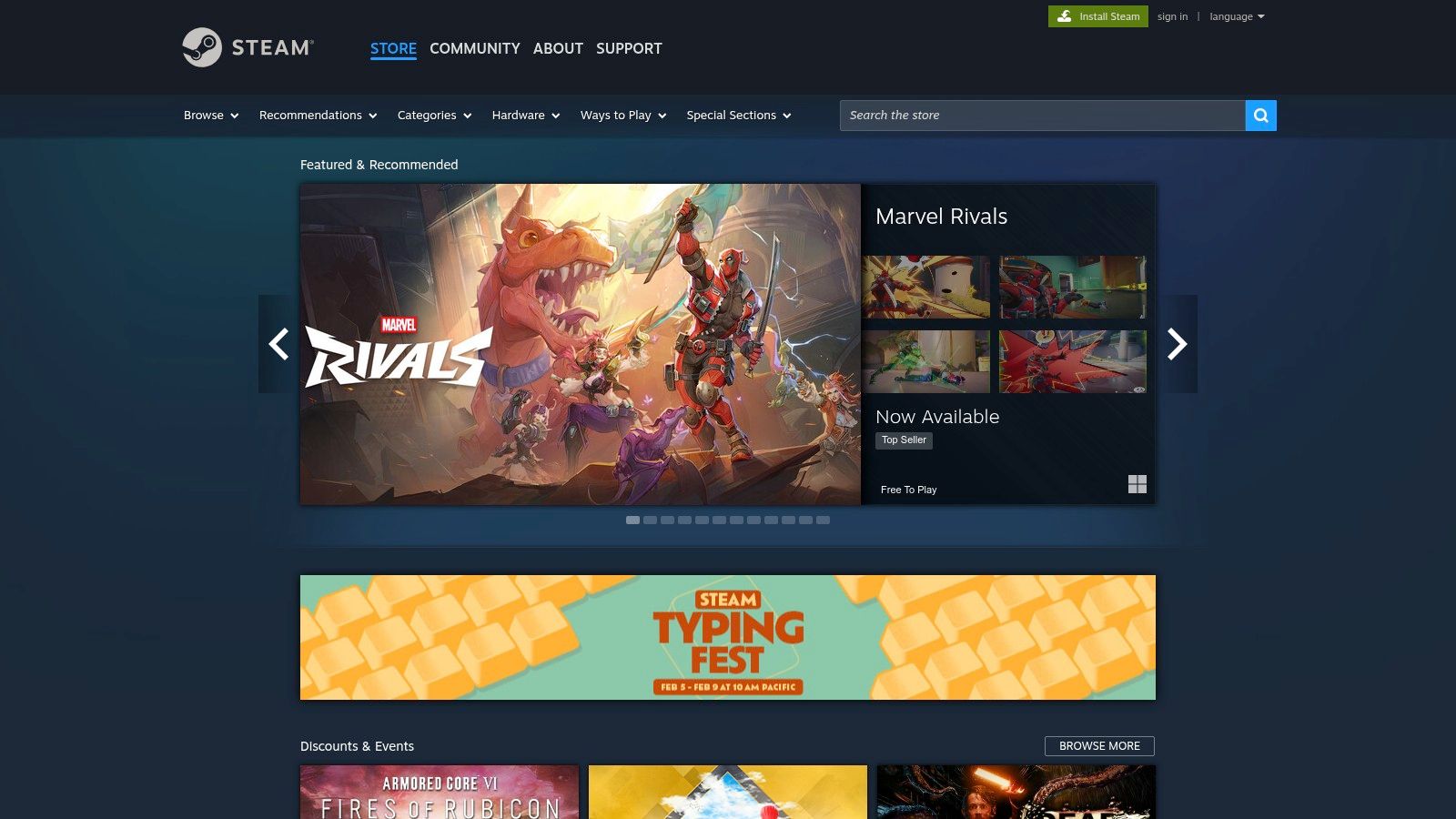
This direct approach ensures you're looking at titles guaranteed to work on the platform, saving you from the disappointment of finding a great game elsewhere that isn't available on Steam.
Key Features and Practical Tips
Steam’s standout feature for friend groups is Remote Play Together. This technology allows you to stream local-multiplayer-only games over the internet, meaning only one person needs to own the game. Your friends can join for free, effectively turning thousands of couch co-op titles into online adventures. This dramatically lowers the cost barrier for trying new games with your group.
To maximize your search, use these strategies:
- Combine Tags: Don't just search for "Co-Op." Combine it with genre tags like "Puzzle," "RPG," or "Action" to find games that fit your group's taste.
- Check Top Sellers: Use the real-time and weekly Top Sellers charts to spot trending multiplayer games with active communities. A high player count often means better matchmaking and support.
- Filter by Price: If your group is on a budget, use the price filters or explore the "Free to Play" hub. For more ideas on no-cost titles, you can also check out this guide to the best free-to-play Steam games to expand your options.
While Remote Play Together is an excellent feature, its performance can vary based on the host's internet connection and the specific game's implementation. Always check recent reviews to see what other players are saying about a game's online stability before you buy.
Website: https://store.steampowered.com
2. Humble (Humble Store + Bundles)
Humble is an authorized digital retailer that serves as a goldmine for finding fun games on Steam to play with friends at a fraction of the cost. It's renowned for its curated, time-limited game bundles that often package several excellent co-op and multiplayer titles together for a heavily discounted price. This makes it an incredibly efficient way for an entire friend group to acquire a new game library without breaking the bank.
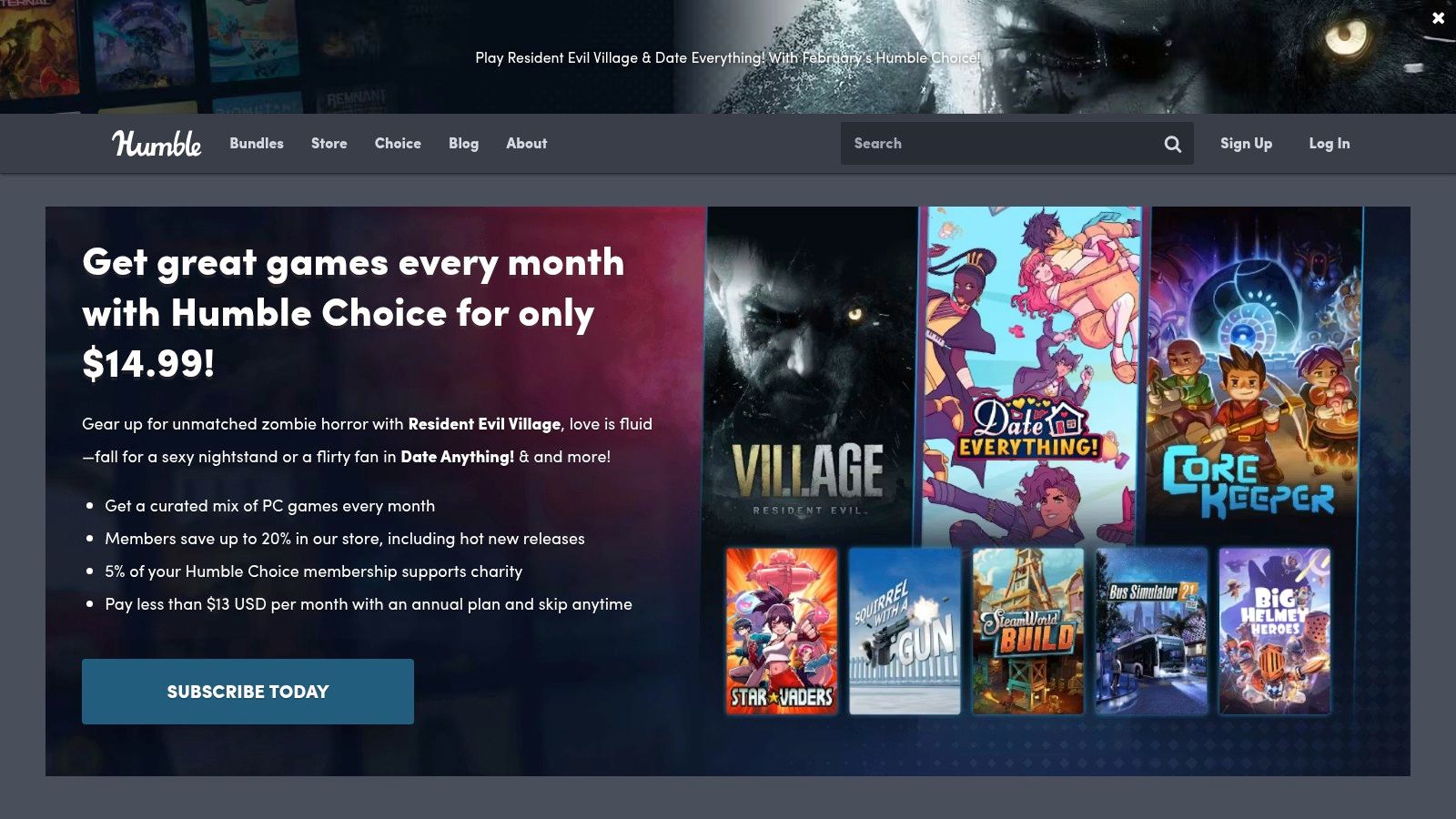
Because Humble provides legitimate Steam keys, you get the full Steam experience, including achievements, trading cards, and platform integration, but often for much less than the store price. A unique aspect is its charity component, allowing a portion of your purchase to support various causes.
Key Features and Practical Tips
The standout feature of Humble is its "Pay What You Want" bundle model. These collections typically have tiered pricing, where paying more unlocks additional games. This is perfect for groups, as you can coordinate to have one person buy a higher tier and gift the extra keys to friends, or everyone can chip in for the best value. Their monthly subscription, Humble Choice, also provides a curated selection of games to keep, further expanding your potential multiplayer library over time.
To get the most out of Humble, try these strategies:
- Sign Up for Alerts: Humble's best bundles are temporary. Sign up for their newsletter to be notified when a new bundle with multiplayer or co-op games drops.
- Coordinate Group Buys: When a bundle appears with multiple co-op titles, plan with your friends. If a bundle has four co-op games, four friends could each buy it and trade keys so everyone gets all four unique titles.
- Check Past Bundles: Use third-party sites to research past bundles. This can give you an idea of what kind of multiplayer games, from indie gems to expansive open-world games on Steam, frequently appear so you know what to watch for.
While the deals are excellent, remember that bundles are time-sensitive, so you can't always get a specific game on demand. Always confirm that you are purchasing Steam keys, as Humble sometimes offers games for other platforms.
Website: https://www.humblebundle.com
3. Fanatical
Building a shared library of fun games on Steam to play with friends can get expensive, which is where authorized key resellers like Fanatical come in. As a fully licensed digital retailer, Fanatical partners directly with publishers to sell official Steam keys, often at significant discounts. Their model is built around curated bundles and flash deals, making it an excellent resource for coordinating group purchases without breaking the bank.
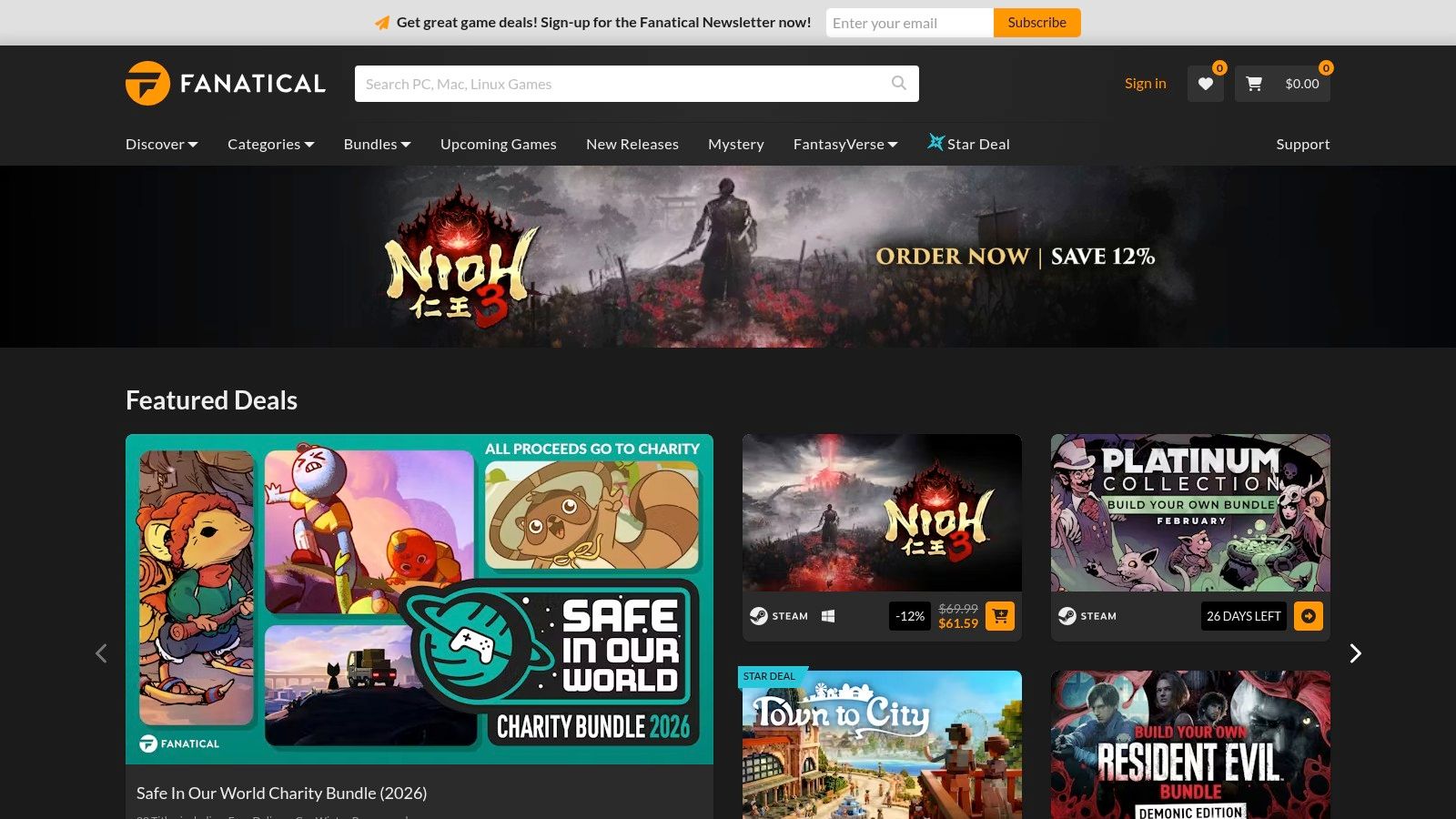
Unlike gray market sites, Fanatical provides legitimate keys, ensuring the games you buy for your friends will activate on Steam and stay in their libraries permanently. This legitimacy, combined with deep savings, makes it a go-to for savvy gaming groups.
Key Features and Practical Tips
Fanatical's main draw is its bundle system, particularly the "Build Your Own Bundle" and "Pick & Mix" deals. These promotions allow you to select multiple games from a curated list for a single flat price, which is perfect for outfitting your entire friend group with a new co-op title. For example, you can often grab three, five, or seven multiplayer games for a fraction of their individual cost on Steam.
To get the most out of Fanatical for your group:
- Coordinate Bundle Purchases: Designate one person to buy a multi-game bundle. They can then distribute the individual Steam keys to everyone else in the group.
- Check Region Locks: Before purchasing, always use the product page to confirm a key will activate in your friends' regions. Fanatical is transparent about these restrictions.
- Sign Up for Newsletters: Deals on Fanatical, especially their 24-hour "Star Deals," are fleeting. Subscribing to their newsletter ensures your group won't miss a deep discount on a wishlist game.
While the savings are substantial, be aware that keys for new releases can sometimes be distributed close to or slightly after the official launch time. If your group plans to pre-load and play the second a game goes live, buying directly on Steam might be a safer bet. For everything else, the cost savings are hard to ignore.
Website: https://www.fanatical.com
4. Green Man Gaming
For groups looking to find fun games on Steam to play with friends without paying full price, Green Man Gaming is a go-to authorized digital retailer. It specializes in selling official Steam keys, often with significant discounts that beat Steam's own sale prices, especially for new releases and pre-orders. As an official partner, it gets its keys directly from publishers, ensuring every purchase is legitimate and supports the developers.
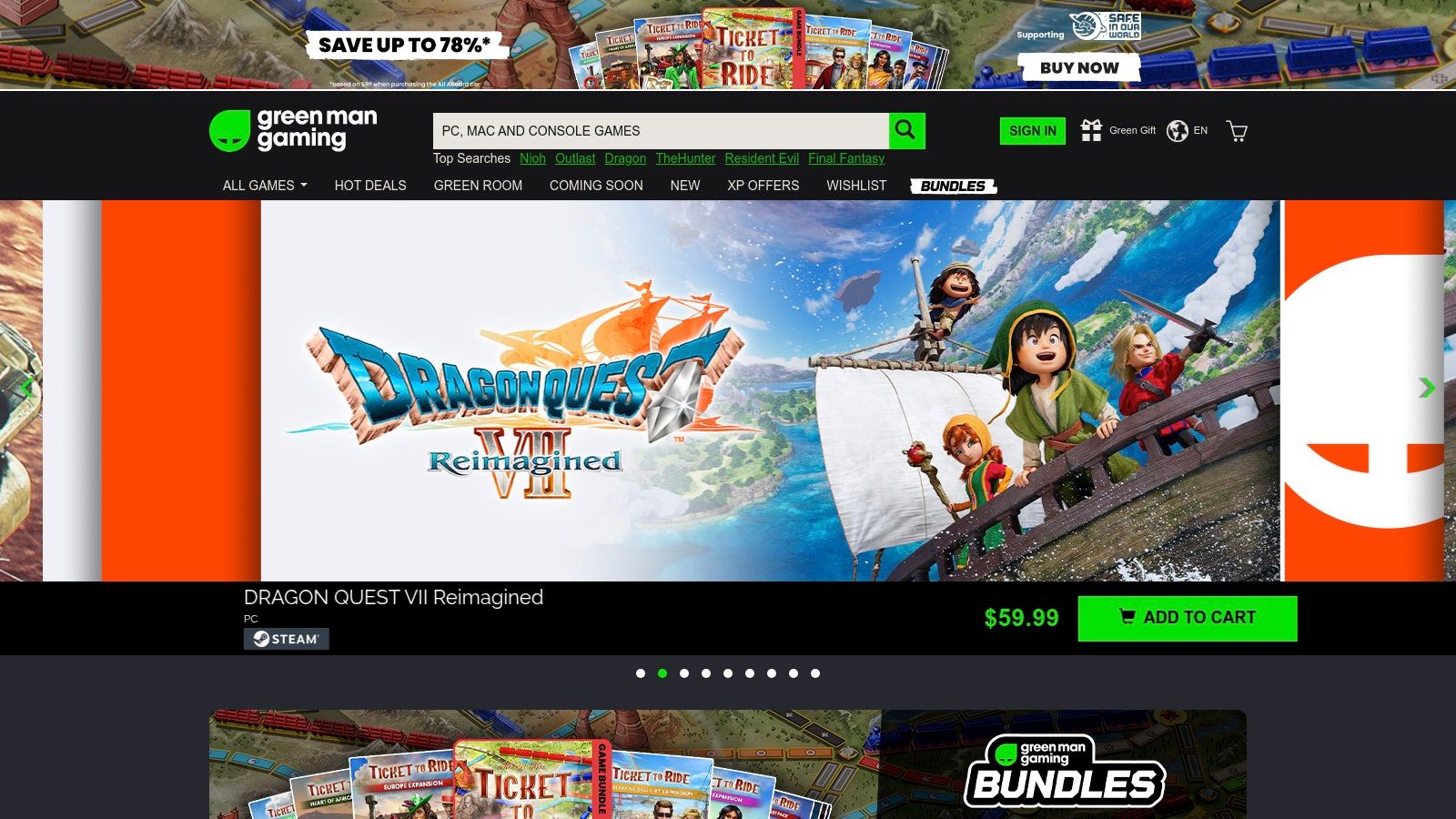
This makes it a reliable first stop before buying a new multiplayer title, as you can often save your group some money right from day one. Their XP program also rewards repeat customers with additional discounts, making it even more cost-effective over time.
Key Features and Practical Tips
The primary advantage of Green Man Gaming is its aggressive pricing on new and popular multiplayer games. The platform frequently offers pre-order bonuses and launch-day discounts that are hard to find elsewhere, allowing your group to jump into a trending title for less. Keys for released titles are delivered instantly, so you can start playing immediately after purchase.
To make the most of the site for your friend group, try these tactics:
- Check the Deals Tab: Regularly visit the "Deals" section, which often features flash sales and publisher-specific promotions on co-op and multiplayer catalogs.
- Coordinate Pre-Orders: If your group is excited about an upcoming multiplayer release, coordinate your pre-orders through the site to lock in a lower price for everyone.
- Read Region-Lock Warnings: Before buying, always check the product page for notes on regional restrictions. The site uses IP/geolocation to enforce these, so a key bought in one region may not activate in another. This is crucial for international friend groups.
While the savings are a major draw, the strict region-locking is a key factor to consider. If a friend is traveling or lives in a different country, ensure they purchase the correct regional version to avoid activation problems on Steam.
Website: https://www.greenmangaming.com
5. IsThereAnyDeal
Coordinating a group purchase for your next game night can be a logistical challenge, especially when everyone is on a different budget. IsThereAnyDeal is a powerful price-tracking engine that solves this problem by monitoring dozens of authorized digital storefronts. It ensures you and your friends can find the absolute best, legitimate price for any multiplayer game on your radar, eliminating the risk associated with grey-market key resellers.
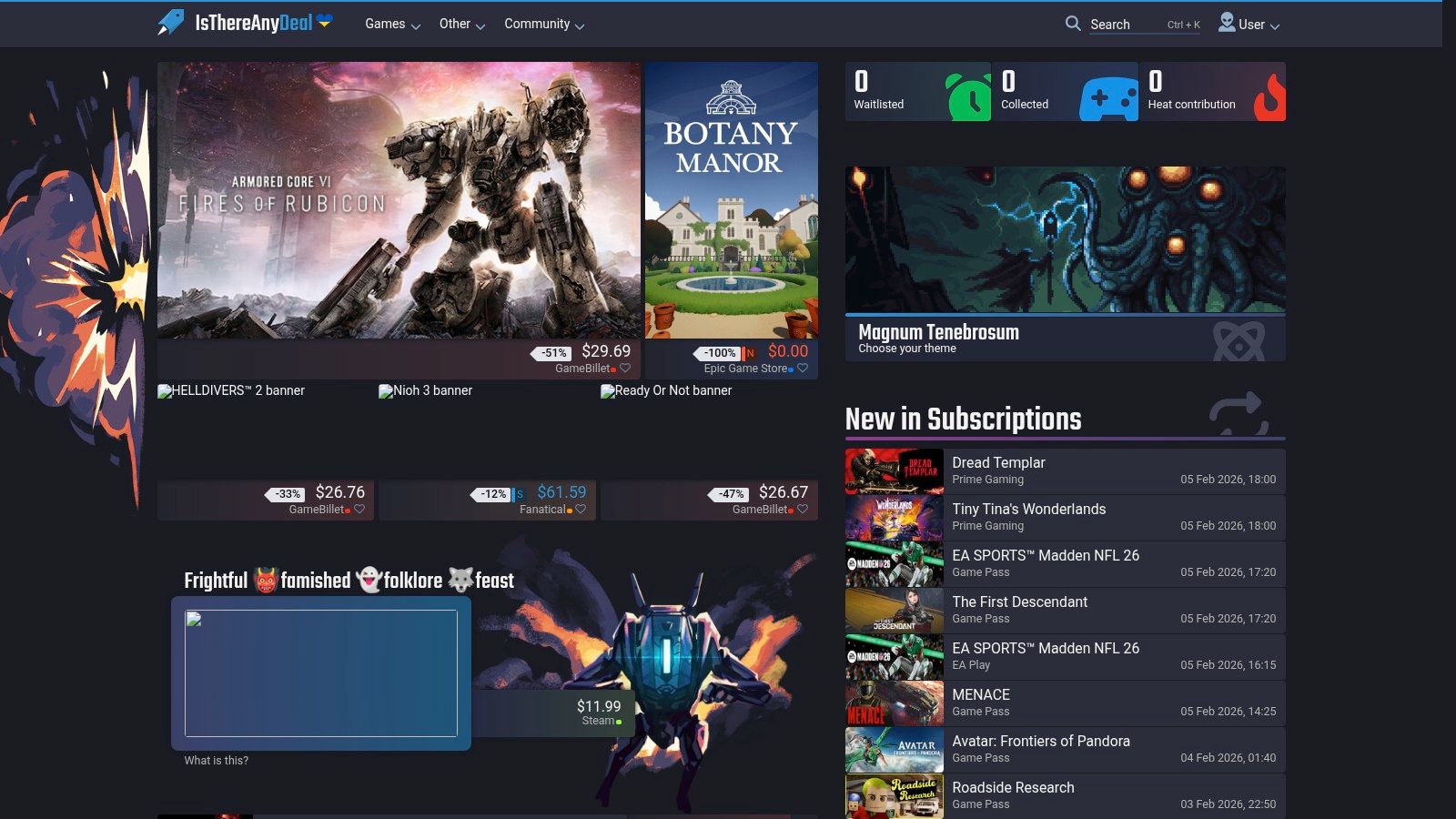
The platform aggregates deals from stores like Steam, Humble Bundle, Fanatical, and more, presenting them in an easy-to-compare format. This makes it an indispensable tool for finding fun games on Steam to play with friends without anyone overpaying.
Key Features and Practical Tips
The standout feature for gaming groups is IsThereAnyDeal’s price history chart. Before buying, you can see if the current "deal" is actually a good one by comparing it to the game's historical low price. This data empowers your group to decide whether to buy now or wait for a deeper discount. You can also sync your Steam Wishlist and set up email alerts to be notified the moment a game hits a specific price point.
To make the most of this tool for your group, use these strategies:
- Create a Shared Waitlist: Have everyone in your group create an account and "waitlist" the same co-op games. The first person to get a price alert for a historical low can notify the group to coordinate the purchase.
- Check Bundle Deals: The site is excellent at tracking game bundles. You can often get a highly-rated co-op game plus several other titles for less than the price of the single game on Steam.
- Understand Timing: Use the price history data to learn sale patterns. This can help you anticipate when major discounts will occur, such as during seasonal events. For more insight into sale timing, a guide on the best Steam sale deals can provide valuable context.
While IsThereAnyDeal is an aggregator and doesn't sell games directly, it provides peace of mind by only linking to authorized sellers. This ensures every key purchased is legitimate and supports the game's developers, making it the smartest way for a group to build their shared library of multiplayer titles.
Website: https://isthereanydeal.com
6. SteamDB
Before you and your friends commit to buying a new multiplayer title, one of the biggest unknowns is whether the game has an active player base. SteamDB is a powerful, unofficial database that provides the answer. It tracks real-time and historical player data for every game on Steam, allowing you to check if a game is thriving, declining, or already a ghost town. This insight is crucial for avoiding the disappointment of buying a game only to find empty servers and long matchmaking queues.
While it doesn't sell games directly, SteamDB acts as an essential research tool. It helps you validate whether a promising title has the community to support a great multiplayer experience, making it a vital stop before any group purchase.
Key Features and Practical Tips
The standout feature of SteamDB is its live concurrent player charts. These graphs show you exactly how many people are playing a game at any given moment and its player count history. This is the most reliable way to gauge a game's health and longevity. A steady or growing player count is a strong signal of a well-supported and engaging game.
To get the most out of SteamDB for finding fun games on Steam to play with friends:
- Check Player Peaks: Look at the "All-time peak" and recent peaks. If a game’s current player count is a tiny fraction of its peak from years ago, it might be difficult to find matches.
- Analyze Trends: Is the player count trending up or down? A recent update or sale can cause a spike, indicating a good time to jump in with your friends.
- Verify Game Tags: SteamDB clearly displays all associated tags, including "Online Co-Op" and "Multiplayer." You can use this to quickly confirm a game's features and even see other games with similar tag combinations.
Remember, SteamDB is a data provider, not a storefront. Its information is pulled directly from Steam's public data, but it's not an official Valve product. For smaller indie titles, even a low player count can be sufficient if you plan to play in a private lobby exclusively with your friends.
Website: https://steamdb.info
7. Co-Optimus
When your gaming group is specifically looking for cooperative experiences, generic multiplayer searches can be frustrating. Co-Optimus is a specialized database built from the ground up to solve this problem, focusing exclusively on co-op games. It provides an unparalleled level of detail and filtering options designed to help you find the perfect fun games on Steam to play with friends, whether you're looking for an online campaign or a couch co-op party game.
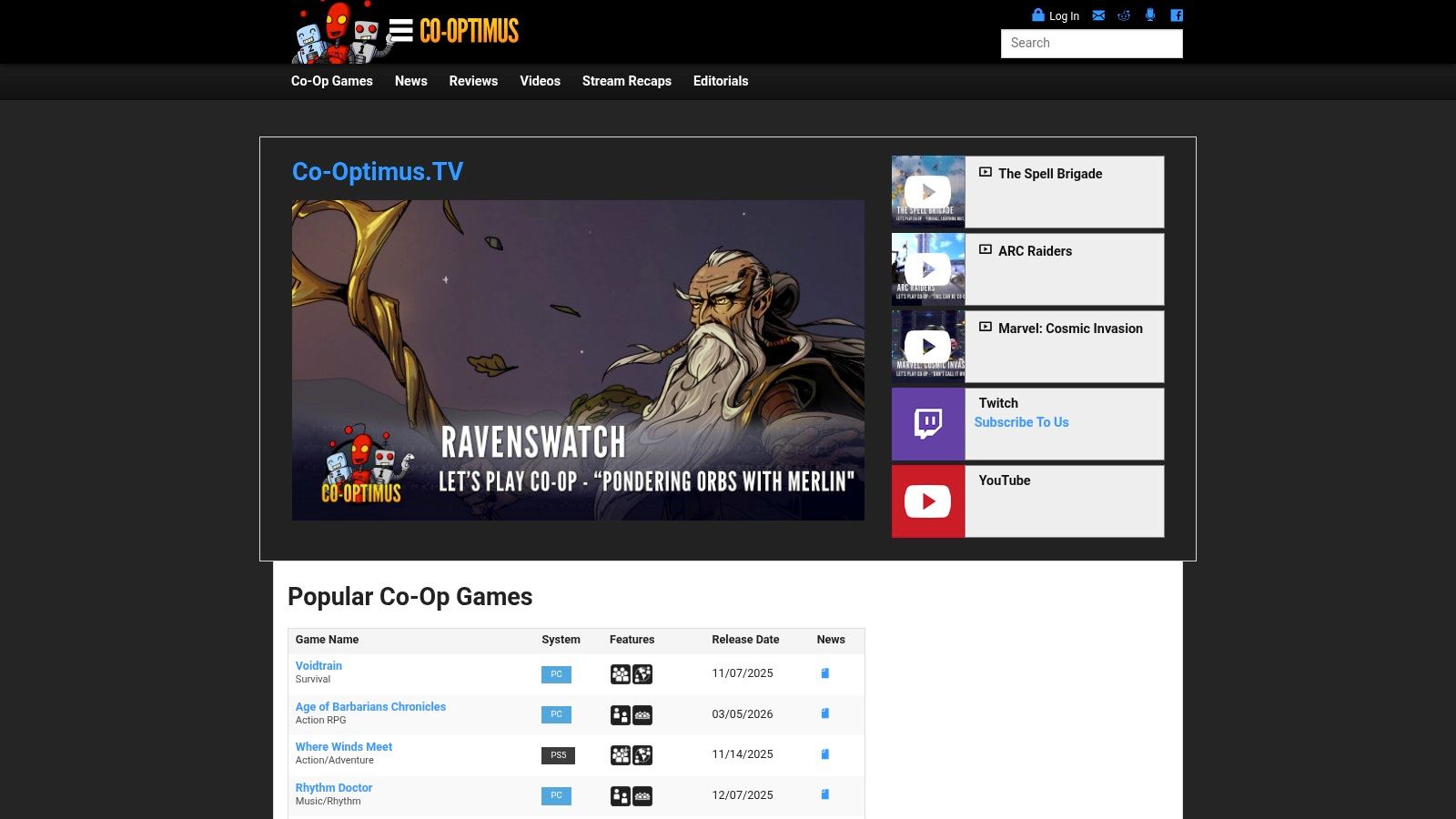
This platform cuts through the noise of competitive PvP and single-player titles, making it an efficient tool for any group dedicated to teamwork-based gameplay. It's a discovery engine, not a storefront, pointing you toward titles you can then find on Steam.
Key Features and Practical Tips
The power of Co-Optimus lies in its incredibly granular search filters. You can pinpoint games based on the exact needs of your group, a feature that goes far beyond Steam’s basic tags. For example, you can filter for games that have a co-op campaign, support a specific number of players both online and locally, or feature combo co-op (letting both local and online friends play together). This precision saves you from buying a game only to discover its co-op mode isn't what you expected.
To make the most of Co-Optimus, try these strategies:
- Use the Power Search: Dive into the advanced search options to specify everything from co-op features (like split-screen or LAN support) to the exact number of players your group has. This is perfect for finding a game that fits a non-standard group size, like five or six players.
- Follow their Steam Curator: Co-Optimus maintains a Steam Curator page that you can follow directly within Steam. This injects their expert co-op recommendations right into your store feed, making it easy to spot new and noteworthy cooperative titles.
- Check Co-Op Details: Every game page on the site lists specific co-op information, such as whether the campaign is fully playable together and if progress is shared. This helps you avoid games where "co-op" is just a limited side mode.
While Co-Optimus is an invaluable, free resource, it’s a database managed by a dedicated team, so occasionally, a brand-new indie game's entry might lag slightly behind its Steam release. Always cross-reference with the Steam store page for the most current information.
Website: https://www.co-optimus.com
7-Store Comparison: Multiplayer Steam Games
| Platform | 🔄 Implementation complexity | ⚡ Resource requirements | ⭐ Expected outcomes | 💡 Ideal use cases | 📊 Key advantages |
|---|---|---|---|---|---|
| Steam Store | Low–Medium: built-in discovery; Remote Play Together setup varies by game | Steam client, stable network; host may need the game for Remote Play Together | ⭐ High: best chance to find active multiplayer titles | Quick friend sessions; discovering trending multiplayer hits | Largest catalog, accurate tags, Steam Charts for trending/active games |
| Humble (Store + Bundles) | Low: simple key purchases; bundles/time‑limited offers | Steam account; budget-friendly via bundles or Humble Choice | ⭐ Medium: cost-effective way to expand co‑op library | Stocking up on co‑op titles affordably; charitable buying | Deep bundle discounts, Humble Choice subscription, charity donations |
| Fanatical | Low: straightforward purchases; occasional region checks | Steam account; monitor activation regions | ⭐ Medium: frequent discounts for multi-key needs | Assembling friend-group libraries at lower cost | Authorized keys, Pick & Mix deals, responsive support |
| Green Man Gaming | Low: instant key delivery for released titles; check region locks | Steam account; optional membership (XP) for perks; avoid VPNs | ⭐ Medium–High: strong day‑one/new-release pricing | Buying new multiplayer releases and promo shopping | Official Retailer guarantee, frequent promos, membership perks |
| IsThereAnyDeal | Low: search/alerts only (no purchases on-site) | Minimal: account for alerts; no key handling | ⭐ High: enables buying at historical lows | Timing group buys and waiting for best verified price | Price history, historical-low alerts, region-aware deal tracking |
| SteamDB | Low: read-only analytics; some features require sign-in | None for purchases; uses public Steam data | ⭐ High: reliable player/activity metrics to validate buys | Confirming player base and live activity before purchase | Live concurrent players, sales signals, quick store links |
| Co-Optimus | Low: discovery-focused filters and editorial content | None for purchases; ideal for planning group play | ⭐ High for discovery: tailored to co‑op needs | Finding games by co‑op mode, player count, or couch vs online | Powerful co‑op filters, editorial coverage, Steam Curator integration |
Assemble Your Arsenal for Smarter Group Gaming
You now have a powerful toolkit to move beyond endless "what should we play?" discussions and into more organized, cost-effective, and enjoyable gaming sessions. The days of impulse-buying the latest multiplayer hit, only to find it doesn't fit your group's size or preferred genre, are over. By combining the resources we've explored, you can build a strategic, data-driven approach to finding fun games on Steam to play with friends.
Instead of guessing, you can create a streamlined process. Start with Co-Optimus to find titles that match your exact player count and co-op preferences. From there, head to SteamDB to check a game's player count history, ensuring you're investing in a community that's active and thriving. Finally, use a price aggregator like IsThereAnyDeal to track historical lows and get the best possible price from trusted storefronts like Humble, Fanatical, or Green Man Gaming.
From Discovery to Game Night: A Practical Workflow
This strategic approach transforms your group's gaming habits from reactive to proactive. It’s no longer about just finding a game; it's about finding the right game at the right price, with a minimal amount of friction. A smarter buying and planning process means less time spent debating in Discord and more time actually connecting and creating memorable gaming moments.
Consider this workflow for your next game night:
- Identify Needs: Use a resource like Co-Optimus to filter games by player count (e.g., 4-player online co-op).
- Verify Viability: Check the shortlist on SteamDB to confirm a healthy player base and positive review trends.
- Track the Deal: Set up alerts on IsThereAnyDeal for the top contenders to ensure everyone gets a great price.
- Coordinate Ownership: Before purchasing, have everyone check their libraries to see if someone already owns the game. This simple step can unlock an evening of fun with a game you collectively forgot you had.
Of course, a great game choice is only part of the equation. Technical issues can quickly sour any multiplayer experience. To ensure your co-op sessions are seamless, it's crucial to optimize your connection. Learning how to reduce gaming lag for smooth play can eliminate frustrating interruptions and keep everyone focused on the fun.
Ultimately, this arsenal of tools is about maximizing your most valuable resource: the time you get to spend with your friends. By making informed decisions, you reduce the logistical headaches and increase the odds that every game you launch leads to a fantastic shared experience.
Ready to uncover the hidden multiplayer gems already sitting in your group's libraries? Use the Steam Calculator to instantly compare your collection with your friends' and see which games you have in common. Visit the Steam Calculator to start coordinating your next game night more efficiently.