
7 Best Places to Find Controller Supported Games in 2026
The versatility of PC gaming is its greatest strength, but it also presents a unique challenge: finding games that feel just right without a keyboard and mouse. While many titles are built with a controller in mind, navigating massive digital storefronts to pinpoint them can be a cumbersome process. This guide eliminates that guesswork, providing a comprehensive roadmap to discovering the best controller supported games across the most popular PC platforms and essential community-driven resources.
We will dive deep into the specific tools and filters each platform offers, moving beyond simple genre browsing. You'll learn how to effectively use the Steam Store's robust tagging system, identify controller compatibility on the Epic Games Store, and leverage the DRM-free focus of GOG.com. Furthermore, we'll explore powerful third-party tools like PCGamingWiki for detailed compatibility reports and IsThereAnyDeal to track sales on your gamepad-friendly wishlist.
This isn't just a list of recommendations; it's a practical toolkit. We will provide actionable steps, direct links, and clear examples to help you build a library of titles perfectly suited for a relaxed, lean-back gaming experience. Whether you're a seasoned collector or new to PC gaming, this resource will show you exactly where to look and what to look for.
1. Steam Store
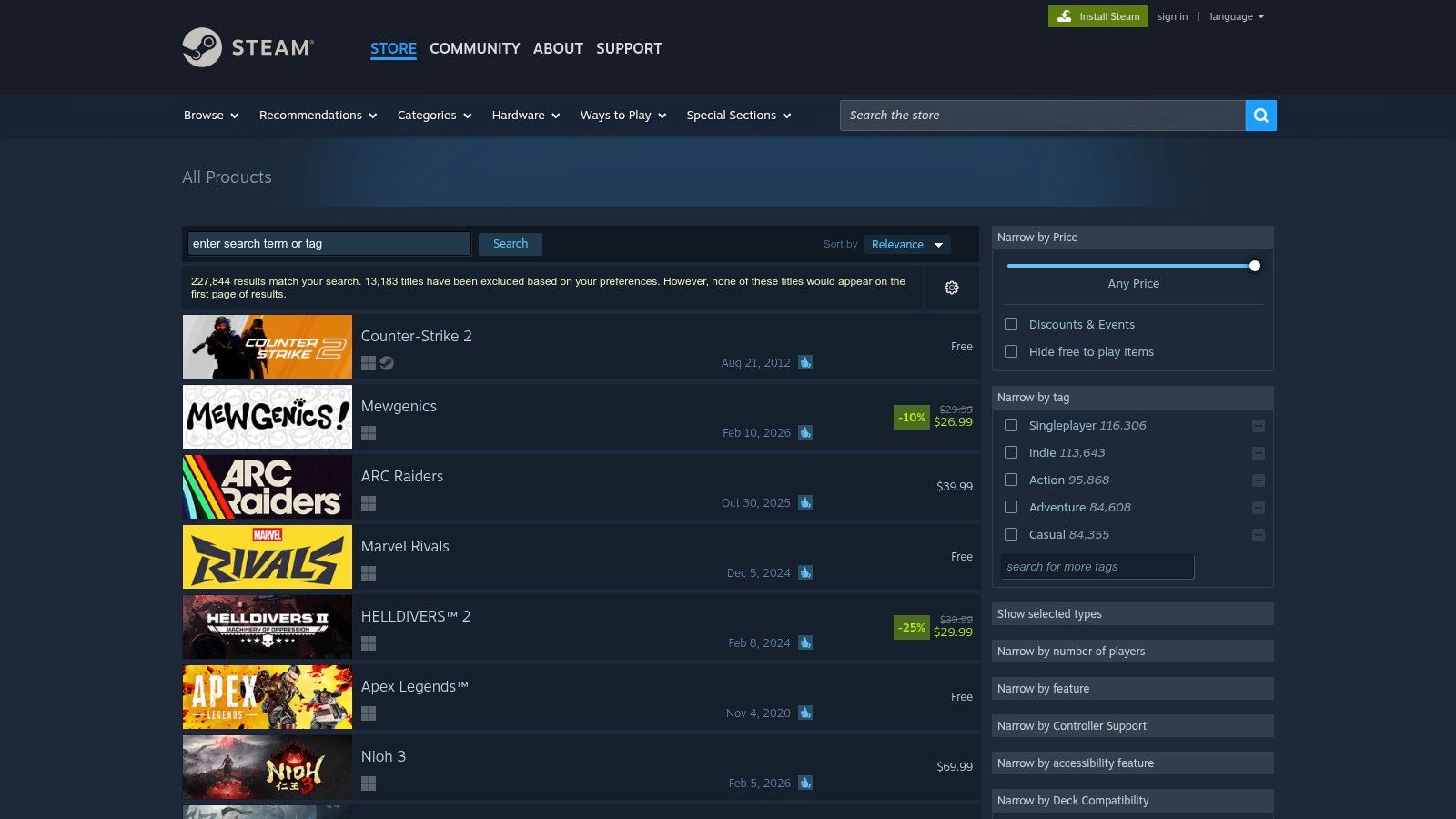
As the largest digital storefront for PC gaming, the Steam Store is the definitive starting point for anyone looking to find controller supported games. Its massive library, combined with powerful and user-friendly search tools, makes discovering your next couch-gaming favorite straightforward and efficient. Valve has integrated controller support deeply into the platform, ensuring that players can quickly identify compatible titles before making a purchase.
The store's interface clearly labels games with "Full Controller Support" or "Partial Controller Support" on their product pages. This simple designation removes guesswork, letting you know whether a game is fully playable from start to finish with a gamepad or if a keyboard and mouse might be needed for launchers or specific menus.
Why It's a Top Choice
Steam’s primary advantage is its filtering system and the underlying Steam Input technology. When browsing, you can apply specific filters to show only games with controller support, and even narrow down results to those optimized for Xbox, DualShock, or DualSense controllers.
The real game-changer is Steam Input, a compatibility layer that can translate controller inputs for games that lack native support. This system allows the community to create and share custom controller configurations for thousands of games, effectively expanding the library of playable titles far beyond what developers officially support.
Key Features & User Tips:
- Precise Filtering: On the search page, use the "Narrow by Controller Support" filter to instantly hide games that require a keyboard and mouse.
- Community Configurations: If a game has partial or no official support, check its community hub for custom Steam Input layouts that might solve your control issues.
- Sales Events: Steam is famous for its seasonal sales. Keep your wishlist updated to get notified when controller-friendly games are discounted. To maximize your savings, you can find tips for tracking the best Steam sale deals and making informed purchases.
| Pros | Cons |
|---|---|
| Largest catalog of PC games with clear support labels. | Support accuracy depends on developer-provided data. |
| Steam Input and community configs expand compatibility. | Non-Steam games require extra steps to use community configs. |
| Powerful search filters for controllers (Xbox, PS, etc.). | The sheer volume of games can be overwhelming to browse. |
Website: https://store.steampowered.com/search/
2. Epic Games Store
As a major competitor in the digital PC marketplace, the Epic Games Store has become a go-to destination for finding controller supported games, especially due to its aggressive free game promotions and exclusive titles. While its feature set is more streamlined than Steam's, Epic provides a simple and effective way for players to identify and acquire games that work great with a gamepad.
The storefront utilizes a clear tagging system, allowing users to browse a dedicated "Controller Support" category. When exploring this section, every game listed is confirmed to work with a controller, eliminating any uncertainty. This direct approach makes it easy to discover new couch-friendly experiences, particularly when combined with Epic's frequent sales and giveaways.
Why It's a Top Choice
Epic's primary appeal lies in its simplicity and value proposition. The platform's interface makes filtering for controller-compatible titles straightforward. You can navigate to the "Browse" section and select the "Controller Support" tag to see a comprehensive list, which can then be further sorted by genre, features, or price. This curated discovery process is perfect for players who want to quickly find a game and jump right in.
While it lacks an equivalent to Steam Input for universal compatibility, its library of natively supported titles is constantly growing. The weekly free games often include high-quality, controller-friendly titles, making it an excellent platform for building a diverse library without spending a dime. Publisher support pages sometimes offer additional details on controller specifics if you run into issues.
Key Features & User Tips:
- Tag-Based Browsing: Use the dedicated "Controller Support" tag on the browse page as your main discovery tool.
- Claim Weekly Freebies: Check the store every Thursday to claim the free game. Many of these offer full controller support, adding value to your collection.
- Combine Filters: Refine your search by combining the "Controller Support" tag with genre filters like "RPG" or "Action" to find exactly what you're looking for.
| Pros | Cons |
|---|---|
| Simple, tag-based discovery for controller-capable games. | No Steam Input-style compatibility layer for unsupported games. |
| Weekly free games and frequent major sales events. | Controller support troubleshooting relies on the game developer. |
| Curated library with major publisher exclusives. | Fewer community features for controller configurations or support. |
Website: https://store.epicgames.com/en-US/browse?tag=Controller+Support
3. GOG.com
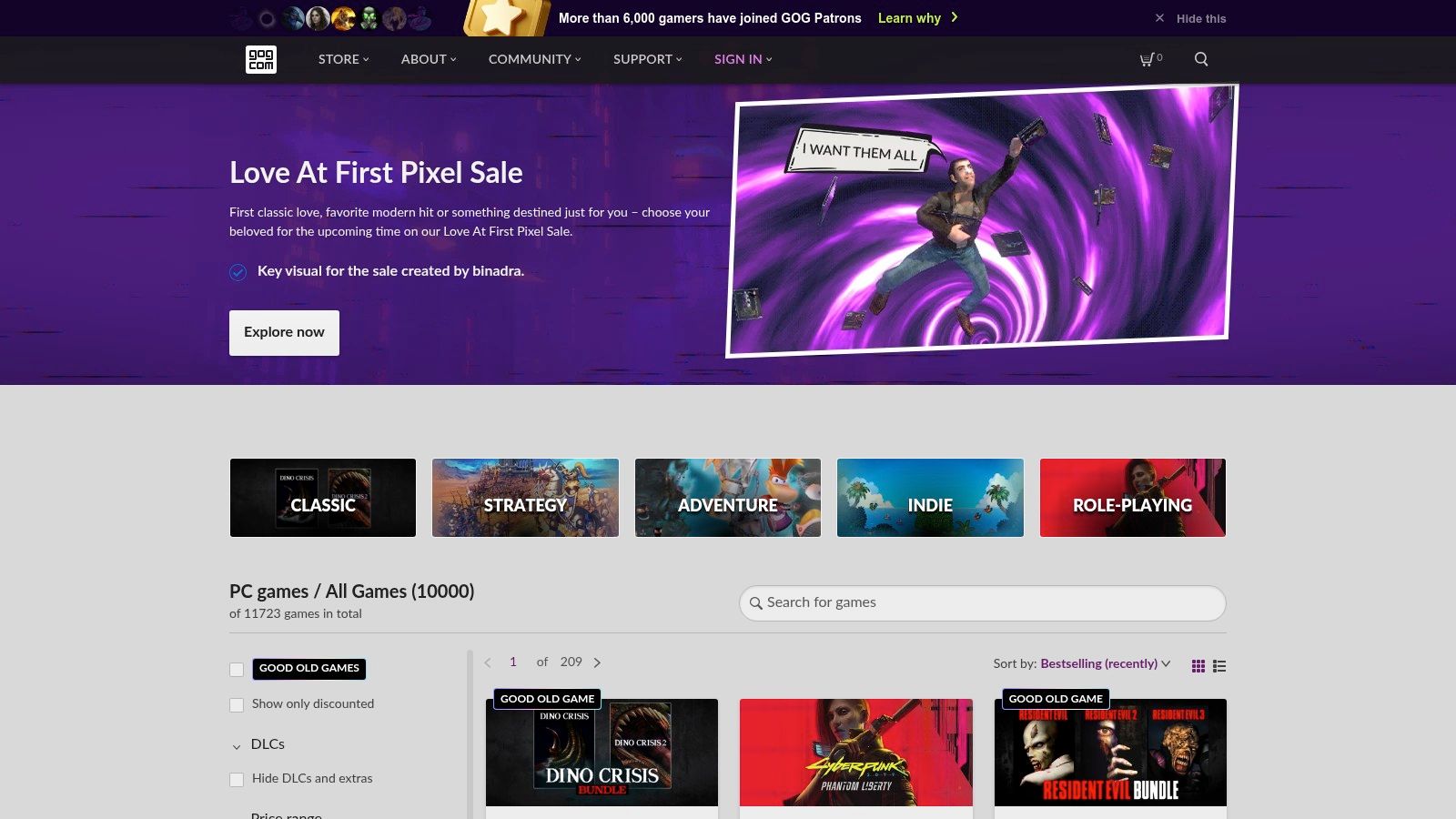
GOG.com (formerly Good Old Games) stands out in the digital marketplace with its staunchly pro-consumer, DRM-free philosophy. For players seeking controller supported games without the tether of a launcher or online check-ins, GOG is an essential destination. The platform excels at curating classic titles and indie gems, ensuring they run on modern systems and clearly listing their compatibility features.
Like other storefronts, GOG indicates controller support directly on game pages, so you know what to expect before you buy. This is particularly valuable for its extensive catalog of older PC games, where official gamepad support was often inconsistent. GOG's curation frequently includes community patches or updates that add or improve this functionality.
Why It's a Top Choice
GOG's core advantage is its commitment to DRM-free gaming. When you purchase a game, you get a downloadable offline installer that you own forever. This is perfect for building a permanent, backup-ready library that doesn't depend on a third-party service to function. This makes it incredibly easy to install your favorite controller-friendly games on a living room PC or handheld device without hassle.
The platform’s filtering tools are straightforward and effective. In the store's game browser, you can easily check the "Controller support" box under the "Features" category to see only titles designed for gamepad play. While it lacks a sophisticated input wrapper like Steam's, its focus on clear labeling and curating games for modern compatibility makes it a reliable source.
Key Features & User Tips:
- DRM-Free Ownership: Download and back up your game installers. They are yours to keep and use offline, anytime.
- Simple Filtering: When browsing the catalog, use the "Features" sidebar and select "Controller support" to instantly narrow down the library.
- GOG GALAXY Client: While optional, the GOG GALAXY client can help manage your library and unify games from other platforms, but the core DRM-free experience doesn't require it.
| Pros | Cons |
|---|---|
| Completely DRM-free; you own the game installers. | No platform-level controller wrapper; support is entirely up to the game. |
| Excellent curation of classic games updated for modern systems. | PlayStation controller (DualShock/DualSense) support can be inconsistent. |
| Clear "Controller support" labels and search filters. | Game library is smaller than Steam's, with fewer new AAA releases. |
Website: https://www.gog.com/en/games
4. Xbox app for PC / PC Game Pass
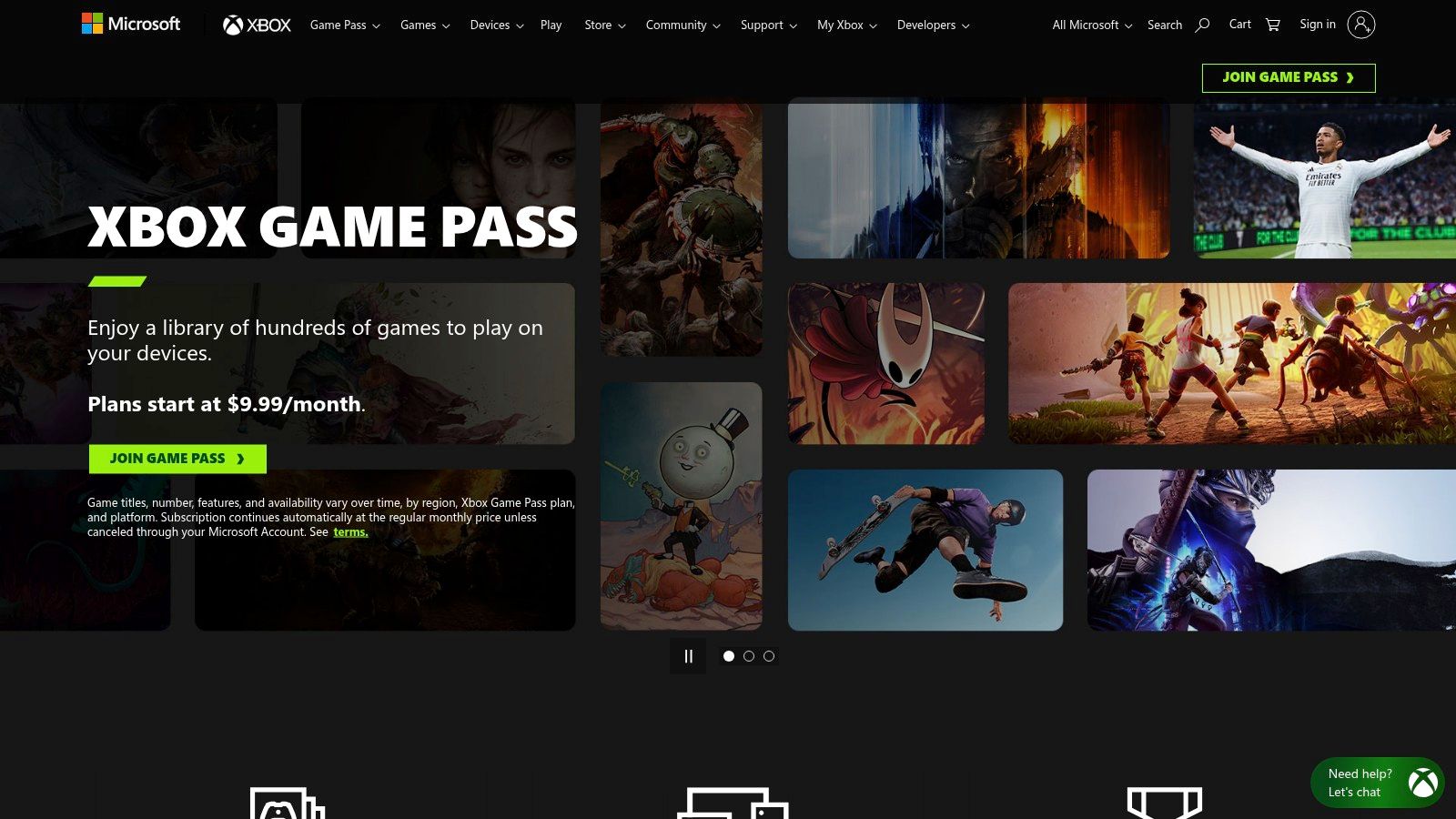
The Xbox app for PC serves as a powerful, controller-first hub for both your purchased games and the expansive PC Game Pass library. It is an excellent resource for finding controller supported games, as Microsoft’s ecosystem is built around gamepad interaction. This focus ensures that a vast majority of the titles offered, especially first-party releases, are optimized for a seamless couch gaming experience.
The app unifies your PC gaming world, providing a streamlined interface that not only manages your owned Xbox titles and Game Pass subscriptions but can also aggregate installed games from other storefronts like Steam. This creates a single, easily navigable launcher perfect for using with a controller.
Why It's a Top Choice
PC Game Pass is the standout feature, offering a rotating library of hundreds of high-quality games for a monthly subscription fee. This service is a cost-effective goldmine for controller enthusiasts, as it includes day-one releases from Xbox Game Studios and Bethesda, which are almost always designed with full controller support.
The app's interface clearly indicates which games are cloud-playable, allowing you to stream titles without a lengthy download, and syncs your play history across devices. While it lacks a universal compatibility layer like Steam Input, its curated nature means you can confidently dive into most Game Pass titles knowing your controller will work flawlessly.
Key Features & User Tips:
- Unified Library: Add installed games from other launchers to the Xbox app's sidebar for a single, controller-friendly place to start all your sessions.
- Explore Game Pass: Use the Game Pass tab to discover a curated selection of games. Categories like "Play with Friends" are particularly useful for finding great multiplayer experiences, and you can explore more options for online games for PC multiplayer to broaden your choices.
- Filter by Capabilities: In the "All PC Games" section, use the "Capabilities" filter to find games that specifically support "Xbox controller" to guarantee compatibility.
| Pros | Cons |
|---|---|
| Cost-effective access to a huge library of controller-ready games. | No universal compatibility layer; support depends entirely on the game. |
| Excellent controller-first UI for easy navigation from the couch. | Troubleshooting third-party game controller issues can be more difficult. |
| Aggregates installed games from other launchers into one place. | The game selection is curated and rotates, unlike a permanent library. |
Website: https://www.xbox.com/en-US/xbox-game-pass/pc-game-pass
5. itch.io
For gamers seeking unique and experimental controller supported games outside the mainstream, itch.io is an indispensable resource. As a community-driven indie marketplace, it’s a treasure trove of innovative titles from solo developers and small studios. The platform's strength lies in its transparent tagging system, which allows creators to clearly label their games for specific input methods, making it simple to find your next couch co-op gem.
Unlike polished corporate storefronts, itch.io gives you a direct line to the creators. Store pages often feature devlogs and clear descriptions, and the platform’s tagging system is incredibly granular. You can filter for games that explicitly support gamepads, and often find tags for specific controllers like Xbox or PlayStation, removing any guesswork about compatibility.
Why It's a Top Choice
itch.io excels as a discovery platform for projects that might never appear on larger stores. Its robust filtering tools are key, letting you combine the "controller support" tag with other filters like price (including free and "pay-what-you-want"), genre, and platform. This makes it the perfect place to find hidden indie darlings and game jam entries that are designed from the ground up for gamepad play.
The direct-to-developer model fosters a transparent environment where support information is often more detailed than on larger platforms. Since many indie developers focus on accessible, couch-friendly gameplay, you'll find a high concentration of titles built with controllers in mind. This is particularly true for genres like platformers and local multiplayer games, which thrive on the platform; for more on this genre, you can explore some of the best 2-D games available today.
Key Features & User Tips:
- Granular Tag Filtering: Use the search tags for "controller-support," "gamepad," "xbox-controller," or "playstation-controller" to find exactly what you need.
- Explore Game Jams: Browse the results of game jams, as many entries are small, focused experiences perfect for a quick session with a controller.
- Check Developer Pages: If you're unsure about support, visit the developer’s page or the game’s community forum. Creators on itch.io are often very responsive.
| Pros | Cons |
|---|---|
| Excellent for discovering free or low-cost indie games. | Quality and polish of games can vary widely. |
| Transparent and specific tagging for controller support. | User reviews and feedback can be less plentiful than on larger stores. |
| Direct interaction with developers for support clarification. | Finding a specific type of polished, high-budget game is less likely. |
Website: https://itch.io/games/tag-controller-support
6. PCGamingWiki
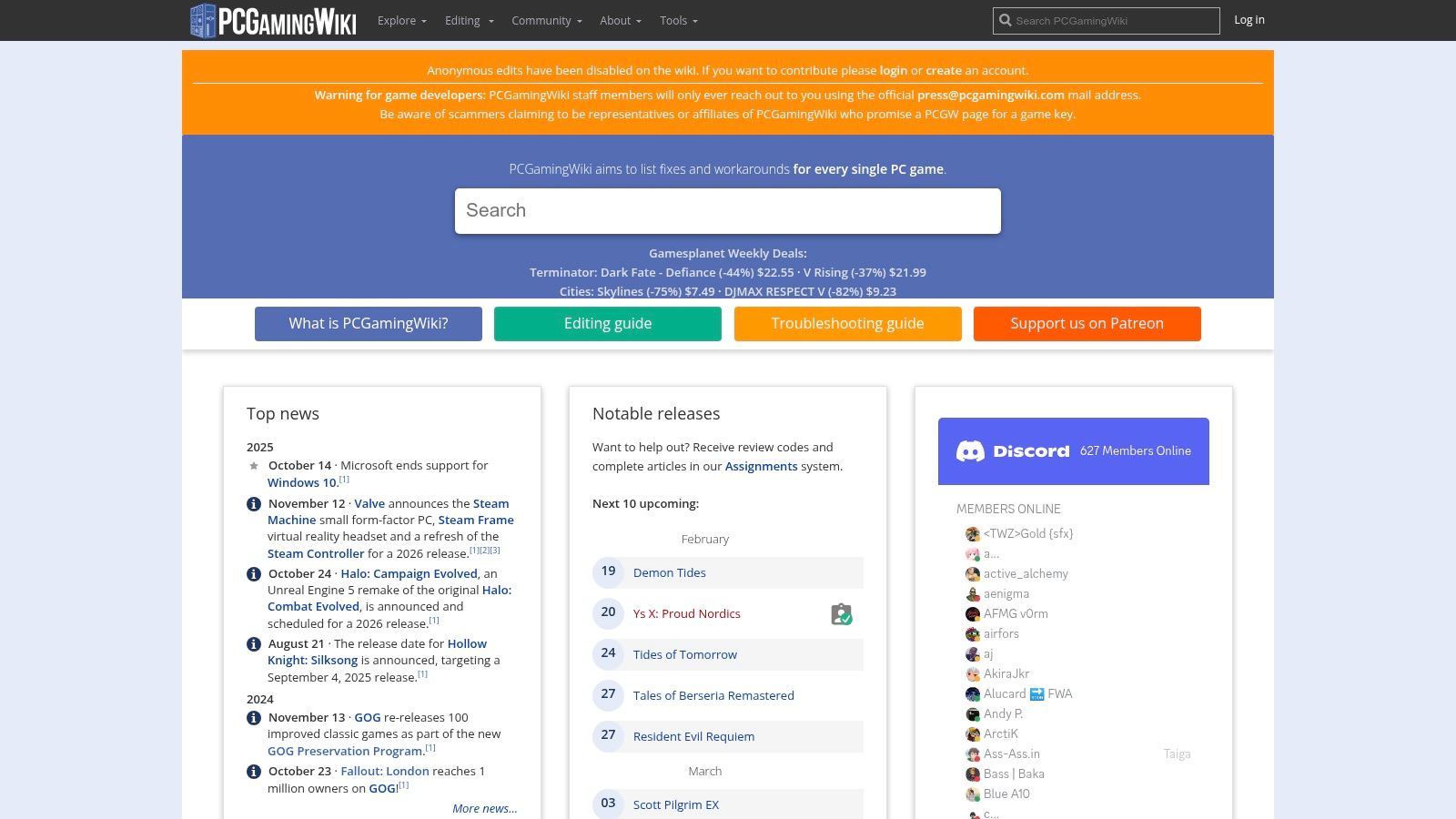
While storefronts tell you if a game should work with a controller, PCGamingWiki tells you how it works in practice. This community-driven encyclopedia is an essential resource for verifying the true extent of a game's controller support. It dives deep into the technical details, documenting everything from native input APIs (XInput, DirectInput) to specific quirks like broken rumble, incorrect button prompts, or the inability to navigate menus.
This wiki is the ultimate pre-purchase research tool for anyone serious about finding high-quality controller supported games. Its detailed "Input" sections on individual game pages provide a level of specificity you won't find anywhere else, saving you from buying a title labeled "Full Controller Support" only to discover it has frustrating bugs or requires a keyboard for a crucial in-game function.
Why It's a Top Choice
PCGamingWiki excels by providing game-specific workarounds and fixes that storefronts don't. If an older game lacks native XInput support or a modern game has flawed implementation, this is the place to find community-tested solutions. The wiki regularly links to essential tools like x360ce or DS4Windows and provides step-by-step guides for getting them to work.
Beyond just compatibility, it details nuanced behaviors, such as whether a game supports simultaneous controller and mouse input or if it correctly switches on-screen prompts between keyboard and gamepad icons. This information is invaluable for players who want a seamless, console-like experience on their PC.
Key Features & User Tips:
- Check the "Input" Table: On any game page, scroll down to the "Input" section for a comprehensive breakdown of controller support, haptics, and known issues.
- Find Community Fixes: Look for notes and links to external tools or configuration file tweaks that can enable or improve controller functionality in problematic games.
- Verify Storefront Claims: Before buying a game based on its store page label, search for it on the wiki to confirm the quality of its implementation and avoid potential headaches.
| Pros | Cons |
|---|---|
| Extensive, game-specific details on controller behavior and quirks. | Community-edited entries can sometimes be incomplete or outdated. |
| Documents known issues and provides community-tested workarounds. | Not a storefront; you can't buy games directly from the site. |
| Saves money by helping you avoid games with poor controller support. | Requires an extra research step compared to relying on store labels. |
Website: https://www.pcgamingwiki.com/
7. IsThereAnyDeal
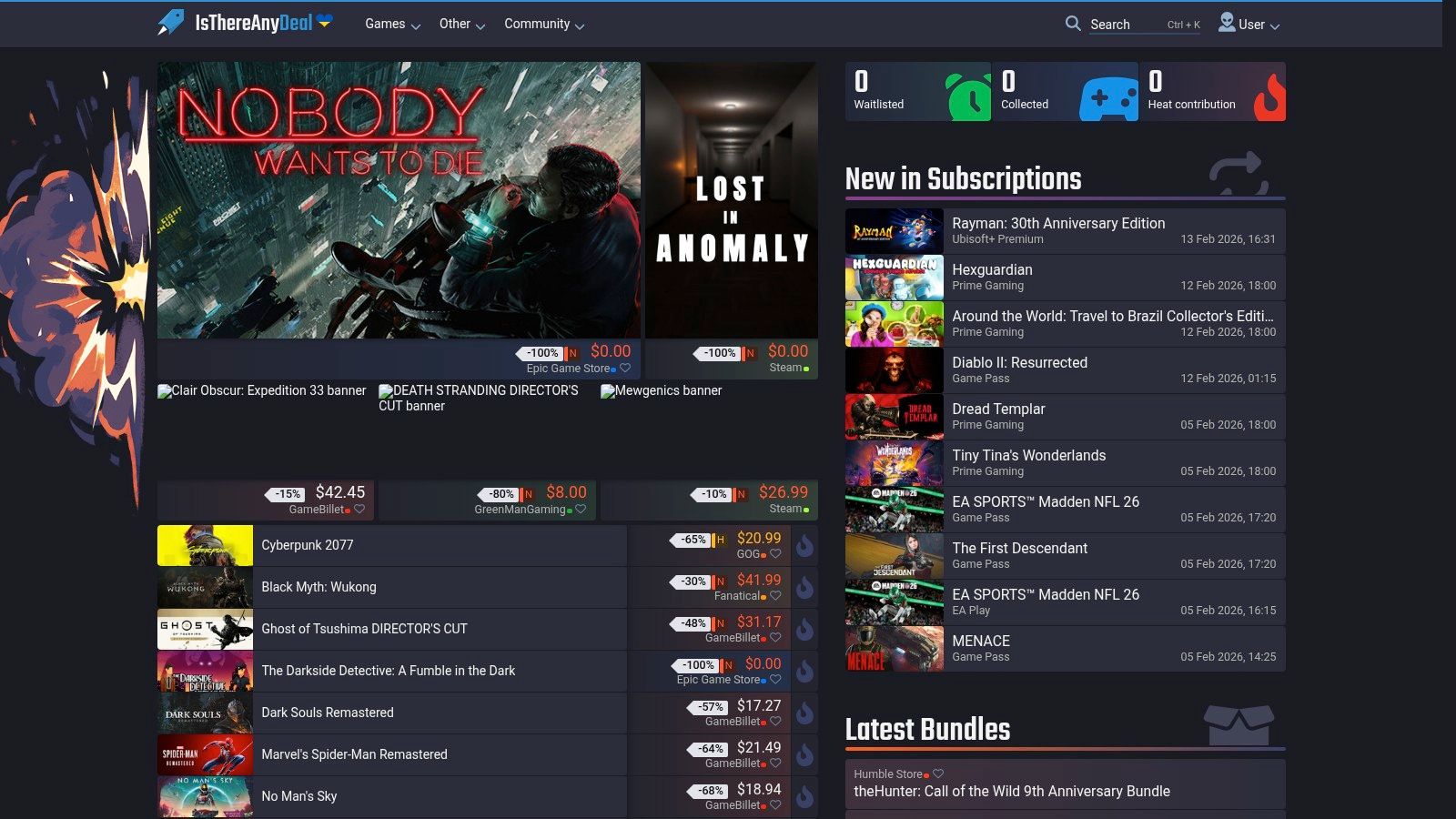
Once you've identified the controller supported games you want to play, the next step is finding them at the best price. IsThereAnyDeal is an essential tool for this purpose, acting as a powerful price aggregator that scours dozens of legitimate digital storefronts, from Steam and GOG to the Epic Games Store and Humble Store, to find the lowest current and historical prices.
While the site itself doesn't filter games based on controller support, it serves as the perfect companion to the other resources on this list. After discovering a game on Steam or a community wiki, you can use IsThereAnyDeal to track its price, set up alerts, and ensure you never pay more than you have to.
Why It's a Top Choice
IsThereAnyDeal excels at saving you money on your growing library of controller-friendly titles. Its core strength lies in its comprehensive price history charts and customizable alert system. You can see how a game's price has fluctuated over time, identify its all-time low, and set a notification to trigger when it hits a price you're willing to pay.
The platform's "Waitlist" feature is particularly useful. You can import your wishlists from other stores like Steam and then manage price alerts for all your desired games in one central location. This unified approach is perfect for patient gamers looking to build a large, affordable backlog of controller-ready experiences.
Key Features & User Tips:
- Waitlist Alerts: Import your Steam wishlist and set alerts to be notified via email when a game drops below a certain price or matches its historical low.
- Historical Lows: Before buying, always check a game's price history chart. This helps you determine if the current "sale" is actually a good deal.
- Storefront Comparison: The site neatly lists all current prices from reputable sellers, often including coupon codes that can be applied for even greater savings.
| Pros | Cons |
|---|---|
| Saves money by tracking prices across dozens of official stores. | Does not indicate controller support; must verify on a store page first. |
| Powerful Waitlist and alert system for targeted deal hunting. | Interface can be data-heavy and overwhelming for new users. |
| Historical price data empowers informed purchasing decisions. | Not a discovery tool for finding new games, only for pricing known ones. |
Website: https://isthereanydeal.com/
Controller Support: Top 7 Platforms
| Item | Implementation complexity 🔄 | Resource requirements ⚡ | Expected outcomes 📊 | Ideal use cases 💡 | Key advantages ⭐ |
|---|---|---|---|---|---|
| Steam Store | Low — built-in Steam Input and community configs simplify setup | Low — Steam client; community configs available | High controller compatibility and clear support badges (⭐⭐⭐) | Find and buy controller-ready PC games; plug‑and‑play expectations | Largest catalog, reliable filters, Steam Input support |
| Epic Games Store | Low — tag-based discovery; no platform translation layer | Low — Epic client; per-game troubleshooting may be needed | Variable; depends on developer implementation (⭐⭐) | Discover controller-capable titles and claim free/coupon offers | Easy controller tag filtering and regular promotions |
| GOG.com | Low — controller labels present but no compatibility layer | Low — DRM‑free installers; may require external tools for some controllers | Good for curated/classic titles; controller handling varies per game (⭐⭐) | Buy DRM‑free classics and indie titles with explicit support | DRM‑free ownership and curated modernized classics |
| Xbox app / PC Game Pass | Low–Moderate — controller-first UI but no universal compatibility layer | Medium — Windows app; Game Pass subscription for broad access | Good navigation and access to many controller-friendly games; compatibility varies (⭐⭐⭐) | Try many controller-heavy games affordably; unified launcher | Unified library, controller-friendly UI, large rotating library via Game Pass |
| itch.io | Low — robust tags and direct dev info; no system-wide layer | Low — browser/client; vetting and testing time may be required | Varied quality; many explicit controller-friendly indies (⭐⭐) | Discover experimental, local multiplayer, and low-cost controller games | Granular tags, direct developer contact, many free/pay‑what‑you‑want titles |
| PCGamingWiki | N/A — research/resource site, not a storefront | Low — time to read pages and follow fixes | Reliable game-specific input details and fixes when maintained (⭐⭐⭐) | Verify true controller support and find fixes before purchase | Detailed game pages with input quirks, fixes, and tools |
| IsThereAnyDeal | N/A — price-tracking focused, not compatibility info | Low — account for wishlist/alerts; links to stores | Finds best prices; does not confirm controller support (📊 price-focused) | Buy identified controller-friendly titles at lowest reputable price | Cross-store price history, alerts, and wishlist aggregation |
Mastering Your Gamepad-Ready PC Library
Navigating the vast universe of PC gaming to find the perfect controller-supported games no longer requires guesswork. Throughout this guide, we've explored the most effective platforms and tools, moving beyond simple store filters to a more strategic and informed approach for building your ultimate gamepad-centric library. We've detailed how to leverage the native features of storefronts like Steam, the Epic Games Store, and GOG, while also highlighting the immense value of community-driven resources like PCGamingWiki for deep technical insights.
The key takeaway is that a truly curated experience comes from combining these resources. Your journey might start on a storefront to check for official support, but it should extend to PCGamingWiki to verify the quality of that implementation or to IsThereAnyDeal to ensure you're getting the best price. This multi-tool approach transforms you from a passive consumer into an empowered library manager.
Key Takeaways for Gamepad Enthusiasts
To truly master your collection of controller supported games, remember these core principles:
- Trust, But Verify: Official store tags for "Full Controller Support" and "Partial Controller Support" are excellent starting points. However, always cross-reference with community resources like PCGamingWiki to understand the nuances, such as lack of menu navigation or inconsistent button prompts.
- Embrace Community Knowledge: Platforms like itch.io and resources like PCGamingWiki thrive on user-submitted data. This collective wisdom often provides more accurate and detailed information about a game's controller functionality than the developer's own listing.
- Play Smarter, Not Harder: Tools like the Steam Calculator are not just for measuring the monetary value of your library. They are analytical instruments that can help you identify hidden gems you already own, assess your gaming habits, and find your next great controller-friendly adventure without spending another dime.
By integrating these strategies, you can ensure that every time you sit down with your gamepad, the experience is seamless, enjoyable, and exactly what you expected.
Beyond the Gamepad: Total Control Customization
For players who want to deeply customize their PC control experience, an excellent resource is the Ultimate Guide to Customizing Your Stream Deck. This guide offers powerful insights into creating a command center that extends far beyond the standard controller, allowing you to manage applications, create complex macros, and streamline your entire gaming setup. It’s a perfect next step for anyone looking to achieve total command over their digital environment.
Ultimately, the world of PC gaming is more accessible to controller players than ever before. Armed with the right knowledge and a suite of powerful tools, you can confidently build, manage, and enjoy a library that is perfectly tailored to your playstyle. The days of frustrating compatibility issues are over; an era of couch-ready comfort and precision control is here.
Ready to discover the controller-supported gems hiding in your own collection? Use Steam Calculator to get a comprehensive analysis of your entire library, including playtime statistics and game valuations. Visit Steam Calculator now to unlock powerful insights and find your next favorite gamepad game today.