7 Essential Tools to Find the Best FPS on Steam in 2026
The term 'best' is subjective, especially in a genre as diverse as First-Person Shooters. What one player considers a masterpiece, another might find uninspired. Is it raw competitive action like Counter-Strike, a narrative-driven epic like BioShock, or a co-op looter-shooter like Destiny 2? To truly find the best FPS on Steam for you, you need the right tools to cut through the noise and make an informed decision. The sheer volume of titles available can be overwhelming, making it difficult to separate genuine hits from fleeting trends or abandoned multiplayer lobbies.
This guide moves beyond simple lists of games and instead equips you with the essential platforms and resources for discovering, researching, and purchasing top-tier shooters that match your specific playstyle, hardware, and budget. We'll explore how to track historical price data, verify player populations for multiplayer titles, and calculate the true cost-per-hour value of a potential purchase. To truly appreciate the fluidity and responsiveness of the best FPS games on Steam, understanding hardware aspects like the best monitor refresh rate for gaming can significantly enhance your experience, ensuring your rig is ready for the action.
Our methodology ensures you're not just buying a popular game, but the right game at the best possible price. Each section below details a crucial platform, complete with screenshots and direct links, to help you build a smarter, more cost-effective game library. Whether you're a deal hunter, a completionist, or a content creator, these tools will empower you to find your next favorite shooter with confidence.
1. Steam Store
The most direct and foundational place to find the best FPS on Steam is, unsurprisingly, Steam itself. Valve's digital storefront is the central hub for the entire PC gaming ecosystem, offering the most comprehensive and up-to-date catalog of first-person shooters. Its powerful, integrated search and discovery tools are specifically designed to help you pinpoint the exact type of FPS experience you're looking for, from tactical PvP shooters to narrative-driven single-player adventures.
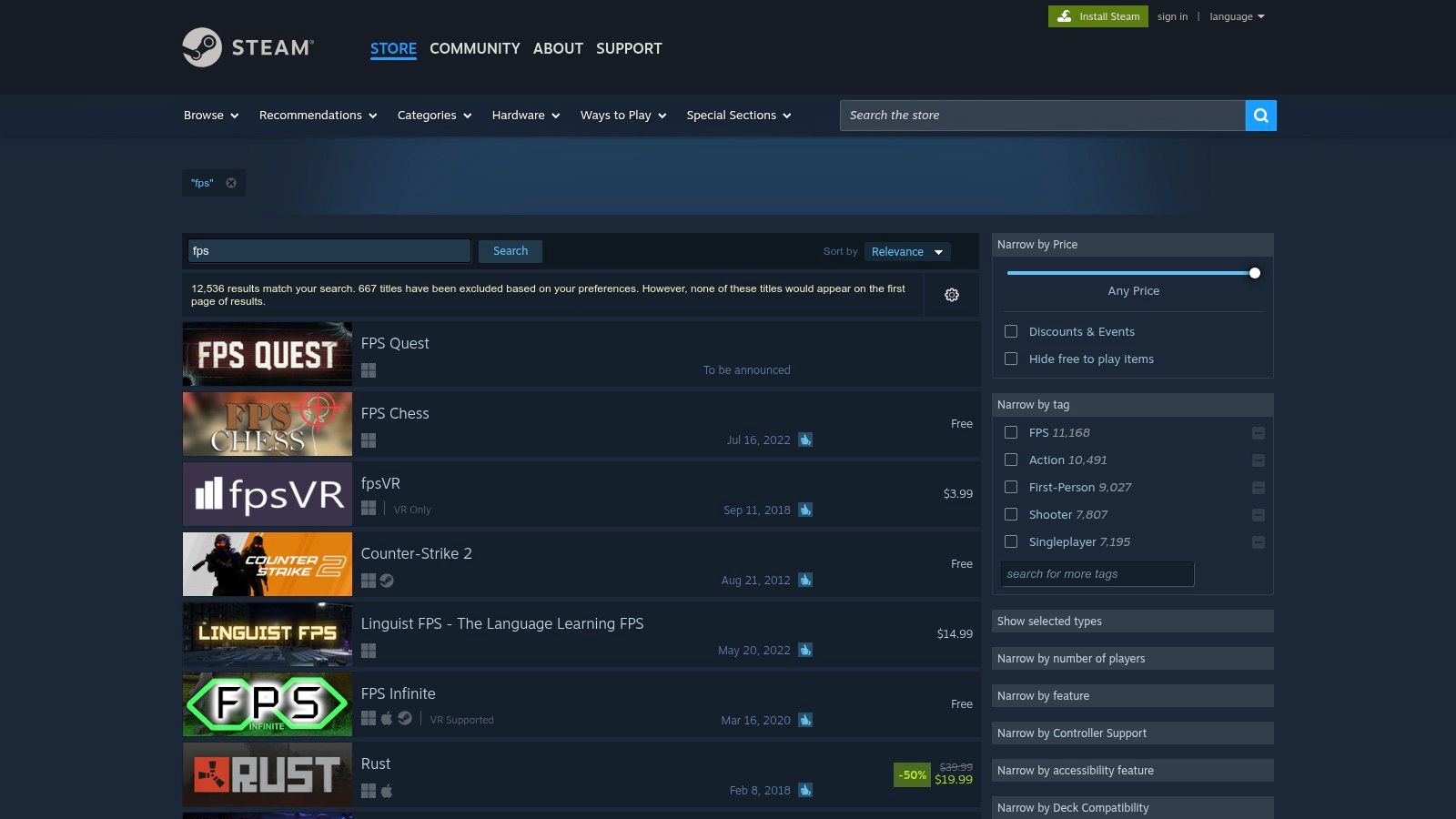
What makes the Steam Store the definitive starting point is its low-friction user experience. When you purchase a game, it's instantly activated and added to your library, ready for download. There are no third-party keys to redeem or separate accounts to manage. This direct pipeline also ensures seamless updates, DLC integration, and access to community features like forums, user reviews, and the Steam Workshop.
Navigating the FPS Catalog
The platform's true strength lies in its robust filtering system. You can narrow down the massive FPS library using a combination of specific tags ("Tactical," "Looter Shooter," "Hero Shooter"), user review scores (e.g., "Overwhelmingly Positive"), price points, and even hardware compatibility. A key feature for many gamers is the "Deck Verified" filter, instantly showing which titles will run smoothly on the Steam Deck.
Practical Tips for Effective Searching:
- Combine Tags: Don't just search for "FPS." Combine it with other tags like "Co-op," "Singleplayer," or "Zombies" to refine your results.
- Use the Discovery Queue: Let Steam's algorithm suggest new and popular FPS titles based on your play history.
- Enable the In-Game Overlay: Press
Shift+Tabin any game to access Steam's built-in performance overlay, which displays your real-time FPS and hardware stats without needing third-party software.
Pricing and Value
While Steam offers first-party pricing, it's also the epicenter for major publisher sales and promotions. Seasonal events like the Summer and Winter Sales offer massive discounts across the board. For deal hunters, using the Wishlist feature is essential; Steam will email you the moment a game on your list goes on sale. For a deeper dive into maximizing your savings, you can learn more about finding the best Steam sale deals and how to track them effectively.
However, it's worth noting that authorized third-party resellers sometimes offer better baseline prices. Regional pricing also varies significantly, so the cost of a game in one country may not be the same in another, depending on the publisher's policies.
| Feature | Description |
|---|---|
| Search Filters | Sort by tags, reviews, price, Deck Verified status, VR, and more to find the perfect FPS. |
| Instant Access | Games are directly activated to your library for immediate download and play. |
| Sales & Wishlist | Receive notifications for discounts on games you're tracking during major seasonal sales. |
| Community Hub | Access user reviews, guides, discussions, and mod support via the Steam Workshop for supported titles. |
Website: https://store.steampowered.com/search/?term=fps
2. SteamDB
While the Steam Store is where you buy games, SteamDB is where you do your homework. This powerful third-party database acts as a research layer, providing deep analytical insights into every game on the platform. For anyone serious about finding the best FPS on Steam, SteamDB offers invaluable data that goes far beyond user reviews, helping you understand a game's true popularity, pricing history, and player engagement over time.
What makes SteamDB an essential tool is its transparency. It pulls data directly from Steam's backend, presenting it in clear graphs and tables. This allows you to see if a multiplayer FPS has a healthy, active community before you buy it, or if a discount during a sale is genuinely the lowest price ever offered. It empowers you to make purchasing decisions based on hard data, not just marketing hype.
Leveraging Data to Find Your FPS
The site's true power comes from its detailed game pages and tag indexes. By navigating to the "Shooter" tag page, you can see a ranked list of FPS titles sorted by a proprietary rating algorithm that accounts for both positive and negative reviews. Crucially, this view also shows concurrent and all-time peak player counts at a glance, instantly telling you which games are thriving and which are ghost towns.
Practical Tips for Effective Searching:
- Check Player Counts: Before buying a multiplayer-focused FPS, look at its "Concurrent Players" graph. A consistent, healthy player base is a good sign of longevity.
- Analyze Price History: Use the price history chart on a game's page to determine if a current sale price is a genuine deal or just a frequent, minor discount.
- Discover Hidden Gems: Sort the tag index by "Release Date" to find new and upcoming FPS titles that might not yet be on the front page of the Steam Store.
Pricing and Value
SteamDB is the ultimate tool for value-conscious gamers. While you cannot purchase games directly from the site, its price tracking is second to none. The platform documents every price change, sale event, and regional price variation for a game's entire history on Steam. This historical context is vital for knowing when to buy. It also provides an excellent way to discover high-quality, free titles; you can find more information about the best free-to-play Steam games and how to evaluate their long-term value.
The one downside for new users can be the sheer amount of data. The interface is utilitarian and dense, designed for analysis rather than casual browsing. However, once you learn to navigate it, the insights it provides are indispensable for any serious PC gamer.
| Feature | Description |
|---|---|
| Player Count Data | View live, 24-hour peak, and all-time peak concurrent player numbers for any game. |
| Price History | Track a game's complete pricing history across all regions to identify the best possible deals. |
| Trending Games | See which games are currently trending based on player activity and follows, helping you spot breakout hits. |
| Comprehensive Filters | Sort and filter games by rating, players, release date, and other data points to find specific titles. |
Website: https://steamdb.info/tag/1774/
3. IsThereAnyDeal (ITAD)
For the budget-conscious gamer seeking the absolute best price on their next FPS purchase, IsThereAnyDeal (ITAD) is an indispensable tool. This powerful price-tracking aggregator monitors dozens of legitimate, authorized digital storefronts that sell official Steam keys. Instead of just showing you the current price, ITAD provides a comprehensive historical overview, ensuring you know whether a "deal" is truly a bargain or just a minor discount from the standard price.
What sets ITAD apart is its strict adherence to authorized sellers. This focus eliminates the risk associated with gray market key sites, guaranteeing that your purchase is legitimate and directly supports the developers. By compiling data from stores like Fanatical, Green Man Gaming, and Humble Bundle, it gives you a centralized dashboard to find the lowest official price for any given best FPS on Steam, often beating Steam's own sale prices.
Navigating the Deals Landscape
The core strength of ITAD lies in its robust "Waitlist" and historical data features. You can import your Steam Wishlist directly or manually add any FPS you're interested in. From there, you can set a specific price alert, and the platform will notify you the moment any authorized store hits your target price. This proactive approach saves you from constantly checking different storefronts during major sales events.
Practical Tips for Effective Searching:
- Check Historical Lows: Before buying, always check a game's price history chart to see its all-time low. This context helps you decide whether to buy now or wait for a better deal.
- Customize Your Waitlist: Set a price threshold for each FPS on your list (e.g., "notify me when it's under $15 or 75% off").
- Filter by Store: If you have store credit or a preference for a specific retailer, you can filter results to only show prices from your chosen stores.
Pricing and Value
ITAD is not a store itself but an aggregator, so its entire purpose is to maximize value for the user. It provides transparent data on regional pricing, historical lows, and active bundles. This is especially useful for finding deals on not just base games but also DLCs and season passes, which can often be found cheaper on third-party sites. The platform's insights are also valuable for understanding the pricing trends of different genres, much like how one might analyze the cost of the best open world games on Steam over time.
While the interface can sometimes present non-FPS results if your search isn't specific, its powerful filters help narrow down the selection. Ensuring your region is correctly set is crucial for accurate pricing, as deals can be region-locked. For US-based users, setting the country to the United States provides the most relevant and actionable deal information.
| Feature | Description |
|---|---|
| Price History | View detailed charts showing a game's historical price across all authorized stores to identify true lows. |
| Waitlist & Alerts | Get email notifications when an FPS on your list hits a specific price or discount percentage. |
| Authorized Retailers | Tracks only legitimate stores, ensuring safe purchases and valid Steam keys. |
| Bundle Tracking | Compiles information about active game bundles, offering a way to acquire multiple FPS titles cheaply. |
Website: https://isthereanydeal.com/
4. Green Man Gaming (GMG)
Green Man Gaming is an authorized third-party retailer that often provides a competitive alternative for purchasing the best FPS on Steam. As an official partner for hundreds of publishers, GMG sells legitimate Steam keys that you redeem directly on your Steam account. This model allows them to frequently offer pre-order bonuses, launch-day discounts, and exclusive voucher codes that can beat Steam's own pricing, even outside of major seasonal sales.
What makes GMG a go-to for many deal-savvy gamers is its focus on immediate value. Instead of waiting for a big sale event, you can often find a 15-20% discount on a brand-new AAA FPS title right at launch. The process is straightforward: you purchase the game on their site, receive a Steam key instantly (for released titles), and activate it on your Steam client. The game is then permanently added to your library, identical to a direct Steam purchase, complete with achievements, updates, and community access.
Finding the Best FPS Deals
The platform's primary strength is its pricing model. By working directly with publishers, GMG secures discounts that it passes on to consumers. Their XP Program rewards loyal customers with better deals, and they often run publisher-specific sales focusing on major FPS franchises like Call of Duty or Battlefield. It's crucial to check the product page to confirm the key is for Steam, as they also sell keys for other launchers like Ubisoft Connect or the Epic Games Store.
Practical Tips for Effective Shopping:
- Check for Vouchers: Always look for active voucher codes on the GMG homepage or third-party deal sites before checkout.
- Join the XP Program: Create an account to start earning XP with each purchase, which unlocks progressively better discounts.
- Compare with Steam: Before buying, quickly compare the final price (after any discounts) with the current price on the Steam Store to ensure you're getting the best deal.
Pricing and Value
GMG’s main appeal is its ability to undercut baseline Steam prices, particularly for new releases and pre-orders. While you won't find the deep, historical lows of a Steam Summer Sale on every title, the frequent availability of 10-25% off vouchers makes it a prime destination for day-one purchases. This is especially valuable for gamers who want to play the latest best FPS on Steam without paying full price at launch.
It's important to note that while GMG is an authorized seller, it's always good practice to double-check that you're purchasing from the official site. The key delivery is typically instant for games that are already released, but for pre-orders, the key will arrive closer to the launch date, as specified by the publisher.
| Feature | Description |
|---|---|
| Authorized Keys | Sells official, publisher-sourced Steam keys that are redeemed directly on your Steam account. |
| Launch Discounts | Often provides pre-order and launch-day discounts on new AAA and indie FPS titles. |
| Voucher Codes | Regularly offers site-wide or game-specific voucher codes for additional savings at checkout. |
| XP Program | A loyalty system that rewards repeat customers with exclusive access to better discounts. |
Website: https://www.greenmangaming.com/
5. Fanatical
Fanatical, formerly known as Bundle Stars, is a fully authorized digital retailer that has carved out a niche as a go-to destination for gamers looking to acquire some of the best FPS on Steam at a significant discount. It specializes in curating game bundles, often centered around specific genres like first-person shooters, providing an incredibly cost-effective way to expand your library with both modern hits and classic titles.
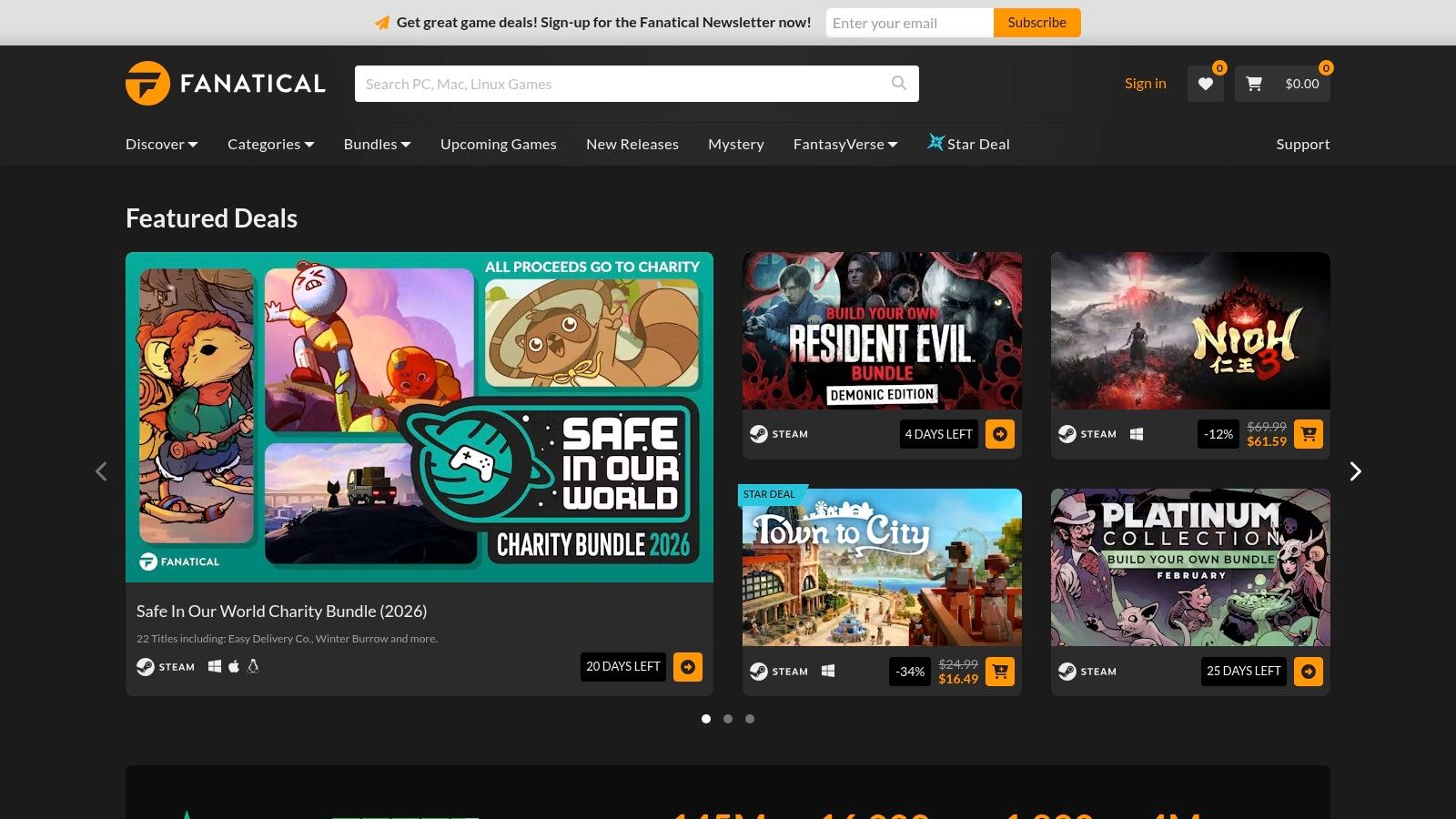
What sets Fanatical apart is its focus on value through bundling. Instead of just individual game sales, it frequently offers "Build Your Own Bundle" events where you can hand-pick several FPS games for a single low price. This model is perfect for players wanting to explore a sub-genre, like boomer shooters or tactical FPS titles, without committing to full-price purchases for each game. All keys are legitimate and redeem directly on Steam, ensuring a secure and simple activation process.
Navigating the FPS Catalog
The platform's strength lies in its curated collections and promotions. While it has a standard search function, the real value is found by browsing its "Bundles" and "Deals" sections. You’ll find themed packs, publisher-specific sales, and unique “Star Deals” which are 24-hour flash sales offering a steep discount on a single, often popular, title. For FPS fans, this means regular opportunities to snag entire franchises or a collection of indie shooters for less than the price of a single new game.
Practical Tips for Effective Searching:
- Check Bundles First: Always start in the bundles section. Many popular FPS titles, from the DOOM series to Warhammer 40,000 games, frequently appear in these collections.
- Subscribe to Newsletters: Fanatical’s newsletter is a great way to get notified about new bundles and upcoming Star Deals before they sell out.
- Verify Steam Activation: Every game page clearly indicates that it provides a Steam key. Always double-check this before purchasing to ensure it integrates with your library.
Pricing and Value
Fanatical's primary appeal is its aggressive pricing and high-value bundles. It's not uncommon to find bundles offering 5-10 FPS games for under $15, making the cost-per-game exceptionally low. While individual game discounts are competitive with other retailers, the bundles are where Fanatical truly shines for budget-conscious gamers. The site operates with transparent, official keys, avoiding the risks associated with grey market sellers.
While the value is excellent, the nature of bundles means you might acquire games you have little interest in alongside the ones you want. Additionally, reports of delayed key delivery for older or pre-order purchases, though uncommon, do exist. Careful selection within the "Build Your Own" bundles can mitigate the issue of unwanted titles.
| Feature | Description |
|---|---|
| Curated Bundles | Offers themed and "Build Your Own" bundles, often focused on FPS and other popular genres. |
| Star Deals | Deeply discounted 24-hour flash sales on individual games, providing excellent value. |
| Authorized Retailer | Sells 100% official Steam keys sourced directly from publishers, ensuring legitimacy and support. |
| Clear Labeling | Each product page explicitly states that it activates on Steam, removing any guesswork for the buyer. |
Website: https://www.fanatical.com/
6. Gamesplanet (US)
For gamers hunting for deals on the best FPS on Steam outside of major seasonal sales, authorized key resellers like Gamesplanet offer a reliable and often cheaper alternative. As an official partner for numerous publishers, Gamesplanet sells legitimate Steam keys sourced directly from the creators, ensuring your purchase supports the developers and won't be revoked. Its US-centric storefront focuses on providing competitive pricing for North American customers, making it a trustworthy stop for savvy buyers.
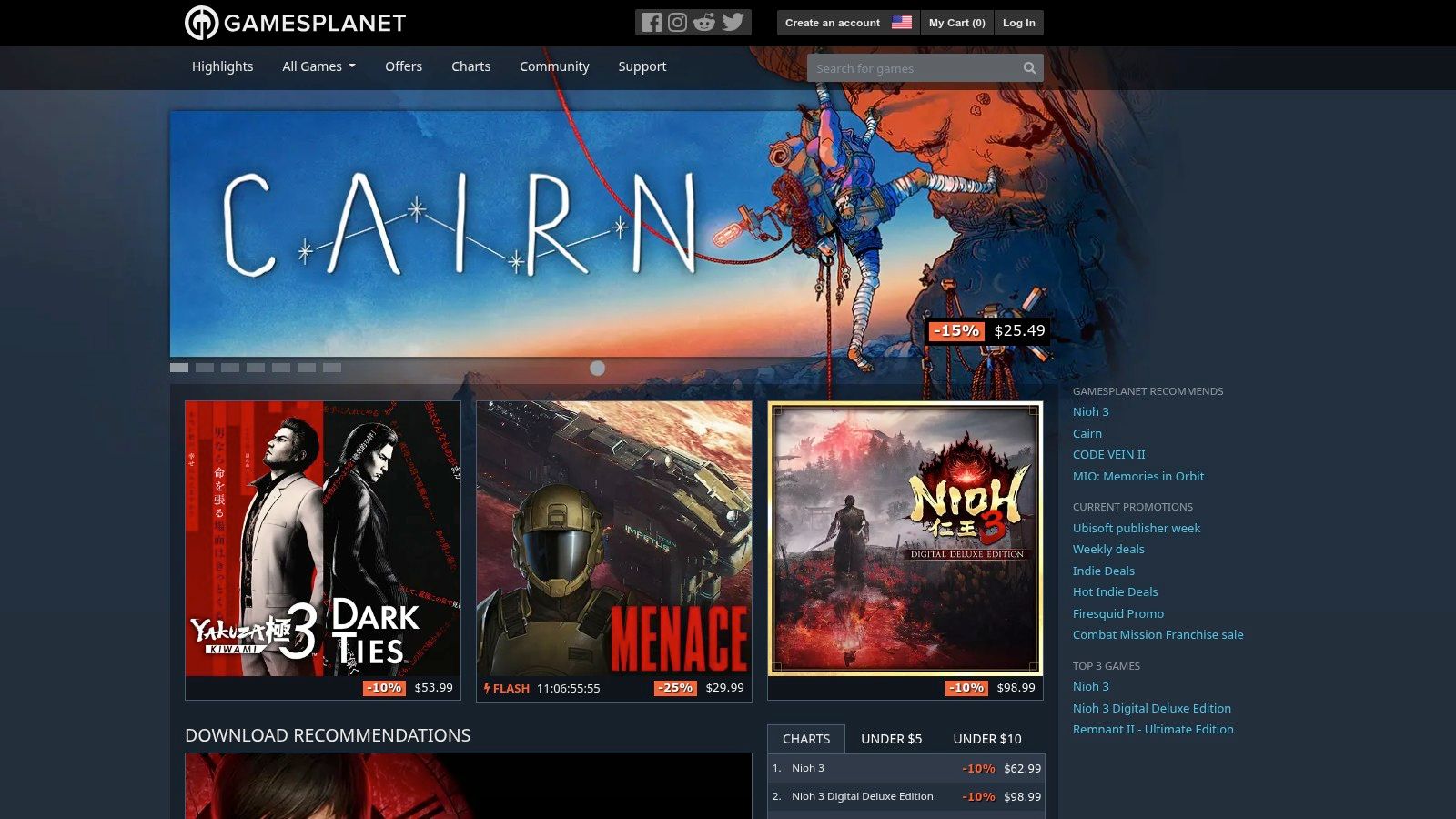
What sets Gamesplanet apart from the grey market is its commitment to transparency. Unlike unofficial marketplaces where key origins can be dubious, Gamesplanet guarantees every key is legitimate. This eliminates the risk associated with purchasing from unauthorized sellers, providing peace of mind that your new FPS title will activate correctly and remain permanently in your Steam library.
Finding FPS Deals and Avoiding Region Locks
Gamesplanet's primary value lies in its frequent publisher-specific promotions and weekly deals that don't always align with Steam's sale schedule. This provides more opportunities throughout the year to grab a popular shooter at a discount. The platform's layout is clean, and product pages clearly state which platform the key activates on (e.g., Steam, Epic Games) and, crucially, any geographical restrictions.
Practical Tips for Shopping on Gamesplanet:
- Check Region Notices: Always look for the "Activation" notice on a game's page. It will explicitly state if the key can be activated in your country.
- Sign Up for Newsletters: Subscribe to their email updates to be notified about flash sales and themed promotions featuring FPS titles.
- Compare Prices: Before buying, quickly compare the Gamesplanet price with the current Steam price to ensure you're getting the best deal at that moment.
Pricing and Value
The main draw of Gamesplanet is its pricing. It's common to find new or popular FPS games with a 10-20% discount even when they are full price on Steam. This makes it an excellent first stop before committing to a purchase on Valve's platform. While you won't find the community features of Steam here, the focus is purely transactional: get an official, discounted key quickly and reliably.
The process is straightforward: purchase the game, receive a Steam key, and activate it directly in your Steam client. This simple, no-fuss approach is perfect for gamers who know exactly what they want and are focused on getting the best possible price from a reputable source.
| Feature | Description |
|---|---|
| Authorized Retailer | Sells 100% official Steam keys sourced directly from publishers, ensuring legitimacy. |
| Clear Region Info | Product pages explicitly state where a key can and cannot be activated to prevent purchase errors. |
| Frequent Promotions | Offers weekly deals, publisher sales, and flash discounts that often differ from Steam's schedule. |
| Reliable Activation | Provides guaranteed keys that activate seamlessly on Steam without the risks of grey market resellers. |
Website: https://us.gamesplanet.com/
7. GG.deals
For the dedicated deal hunter, GG.deals is an indispensable tool in the quest to find the best FPS on Steam at the lowest possible price. It functions as a powerful price aggregator, pulling data from dozens of digital storefronts that sell Steam keys. This allows you to see, at a glance, where you can purchase a specific FPS title for the absolute cheapest price, often significantly undercutting Steam's own store price outside of major sales.
What sets GG.deals apart is its focus on empowering the user with data. It doesn't just show the current price; it provides historical price charts, shows the all-time low for a game, and tracks active bundles. This information is crucial for determining whether a current discount is genuinely a good deal or if you should wait for a better price drop, ensuring you never overpay for your next shooter.
Navigating FPS Deals
The platform's strength lies in its meticulous filtering options and transparent presentation. You can quickly search for an FPS game and see a list of sellers, which can be filtered to show only "Official Stores" to avoid gray market keyshops. This is a critical feature for ensuring you receive a legitimate key from an authorized reseller. Furthermore, it clearly flags games with a "Deck Verified" or "Playable" status, making it a go-to resource for Steam Deck owners looking for their next handheld shooter.
Practical Tips for Effective Searching:
- Activate "Official Stores" Mode: In the settings, enable the option to only show keys from authorized distributors to guarantee the legitimacy of your purchase.
- Set Price Alerts: Create a price alert for any FPS on your wishlist. GG.deals will email you the moment it hits your target price at any of the tracked stores.
- Check Historical Lows: Before buying, always consult the price history chart to see the game's lowest-ever price. This helps you gauge the quality of the current deal.
Pricing and Value
GG.deals is purely a price comparison engine; it does not sell games directly. Its primary value is saving you money by directing you to the cheapest legitimate seller. Users must ensure their region is set correctly (e.g., to US for USD pricing) to see the most accurate offers. While the site includes gray-market sellers by default, its "Official Stores" filter is the recommended way to use the platform safely and support developers. This approach combines the thrill of deal hunting with the security of purchasing from authorized sources.
| Feature | Description |
|---|---|
| Price Aggregation | Compares prices across dozens of digital stores for Steam-redeemable keys. |
| Historical Data | Provides price history charts and all-time low tracking to help you evaluate deals. |
| Official Store Filter | Allows you to hide gray market sellers and only view keys from authorized distributors. |
| Deck Verified Status | Clearly indicates which FPS games are verified or playable on the Steam Deck for easy handheld sorting. |
Website: https://gg.deals/
Best FPS on Steam — Top 7 Stores & Deals
| Platform | Complexity 🔄 | Speed ⚡ | Expected outcome ⭐ | Results / Impact 📊 | Ideal use cases & tips 💡 |
|---|---|---|---|---|---|
| Steam Store | Low — direct storefront & launcher | Very fast — instant purchase & download | High convenience and full-featured Steam integration | Broad catalog, visible publisher promos, in-client overlays | Buy for convenience, Steam features, or immediate play; compare prices before purchase |
| SteamDB | Medium — research-oriented (no checkout) | Fast to research, must redirect to Steam to buy | High research quality for popularity and release context | Transparent player peaks, price history, tag/rating insight | Pre-purchase vetting to avoid low-population multiplayer; use player peaks and release dates |
| IsThereAnyDeal (ITAD) | Medium — set regional prefs and alerts | Moderate — alerts speed up captures | High for verified historical lows across official stores | Saves money via waitlists/alerts; shows regional lows and bundles | Ideal for deal hunters; set country to US and create waitlists for targets |
| Green Man Gaming (GMG) | Low — authorized retailer checkout | Very fast — instant key delivery for released games | Good — authorized Steam keys and frequent promotions | Competitive pricing during sales; membership vouchers | Use for discounted AAA/indie keys; verify authorization on product pages |
| Fanatical | Low–Medium — curated bundles and single purchases | Fast — typically quick fulfillment | Very good value, especially via bundles | Affordable library expansion; frequent deep discounts/flash deals | Best for genre bundles and bargains; watch “Star Deal” flashes and check bundle contents |
| Gamesplanet (US) | Low — authorized storefront with geo info | Fast — immediate keys and support for activation issues | Reliable official keys with clear region notes | Reduces activation/VPN risk; good alternate pricing | US buyers avoiding region/gift complications; always check geo-lock notices |
| GG.deals | Medium — aggregator with many filters (use Official Stores) | Fast — quick cross-store comparisons & alerts | High for finding best legitimate Steam-key price and Deck-ready titles | Broad price comparisons, Deck-readiness flags, historical lows | Compare prices and Deck support; enable "Official Stores" filter for safest buys |
Building Your Ultimate FPS Collection with Smart Tools
The quest for the best FPS on Steam is not just about finding the highest-rated or most popular title. It's a personal journey of discovery, tailored to your unique preferences, budget, and playstyle. As we've explored, the Steam storefront is merely the starting point. The real power lies in using a suite of dedicated tools to make informed decisions, ensuring every game you add to your library is a title you'll genuinely value and play.
By moving beyond simple browsing, you transform from a passive consumer into an empowered PC gamer. You're no longer at the mercy of flashy marketing or fleeting sales. Instead, you're a strategic collector, armed with data and insights to build a truly exceptional FPS collection.
Key Takeaways: Your New FPS Acquisition Strategy
The seven platforms and tools we've detailed work together to create a comprehensive purchasing ecosystem. Remember these core principles as you hunt for your next favorite shooter:
- Data is Your Ally: Use SteamDB to look under the hood. Check player counts to gauge a multiplayer game's health, analyze price history to spot genuine deals, and see detailed update logs before you commit.
- Never Pay Full Price (Unless You Want To): Let price aggregators like IsThereAnyDeal and GG.deals do the heavy lifting. Set up wishlist alerts and notifications to automatically track historical low prices across multiple authorized retailers.
- Expand Your Marketplace Horizons: Official third-party storefronts like Green Man Gaming, Fanatical, and Gamesplanet are not just alternatives; they are often the source of the best deals, exclusive bundles, and loyalty rewards that Steam alone can't offer.
By integrating these resources into your routine, you ensure that every dollar spent maximizes your gaming enjoyment. You stop impulse-buying and start strategically investing in your hobby.
Actionable Next Steps: Curate Your Perfect Library
So, what's next? The real adventure begins now. Don't just read about these tools; put them into action.
- Sync Your Wishlist: Your first, most impactful step is to connect your Steam account to IsThereAnyDeal or GG.deals. This immediately populates your price-tracking dashboard and starts monitoring the games you already want.
- Bookmark Your Research Hub: Make SteamDB a regular part of your pre-purchase research. Before you click "Add to Cart" on that new tactical shooter, take two minutes to check its player concurrency and recent review trends.
- Evaluate Your Existing Collection: The ultimate goal is to build a library that reflects value. Analyze what you already own. Which games have you sunk the most hours into? Which ones were purchased on a whim and left unplayed? Understanding your own habits is the key to making better future choices.
This process isn't about min-maxing the fun out of gaming. It's about respecting your time and money. It's about curating a collection of the best FPS on Steam that is hand-picked for you, backed by data, and acquired at the best possible price. The result is a library full of games you're excited to launch, not a backlog filled with regret. Your ultimate FPS collection awaits.
Ready to analyze your own gaming habits and see which titles give you the most value? Use the Steam Calculator to get a detailed breakdown of your library's worth, your most-played games, and your cost-per-hour metric. Discover what the "best FPS on Steam" truly means for your personal collection at Steam Calculator.